
With the Modify Truss Elements command, the selected truss element's section, placement, angle, elevation and height are changed.
Location of Modify Truss Elements Command

Usage Steps
-
Click the Truss icon in the toolbar with the left mouse button.
-
Click the Modify Truss Elements command in the auxiliary toolbar that opens.
-
Select the elements whose truss section you want to change from the perspective screen and click the right mouse button.
-
Determine the truss section of the elements in the settings window.
-
Click the OK button.
|
Usage step |
|---|
|
Selecting the element to be changed on the perspective screen 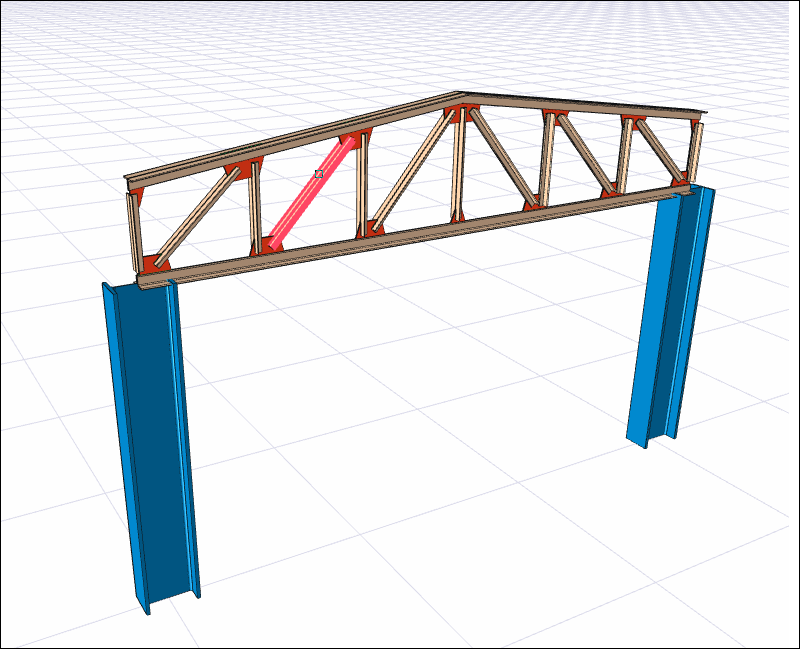
|
|
Change the cross section in the steel settings dialog that opens 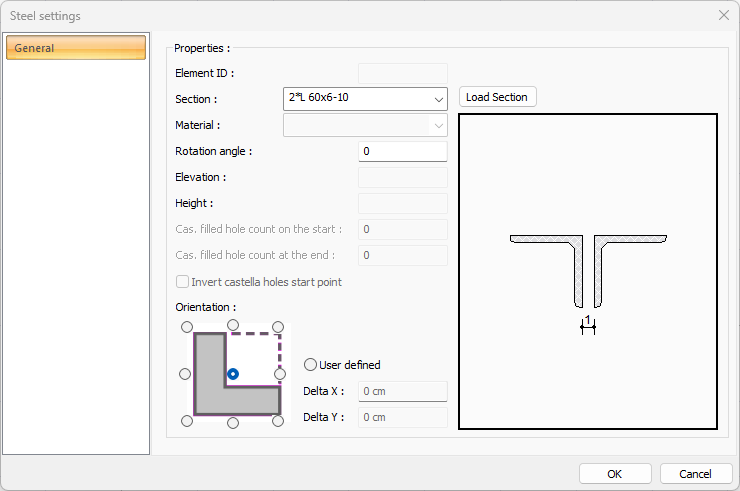
|
Next Topic