
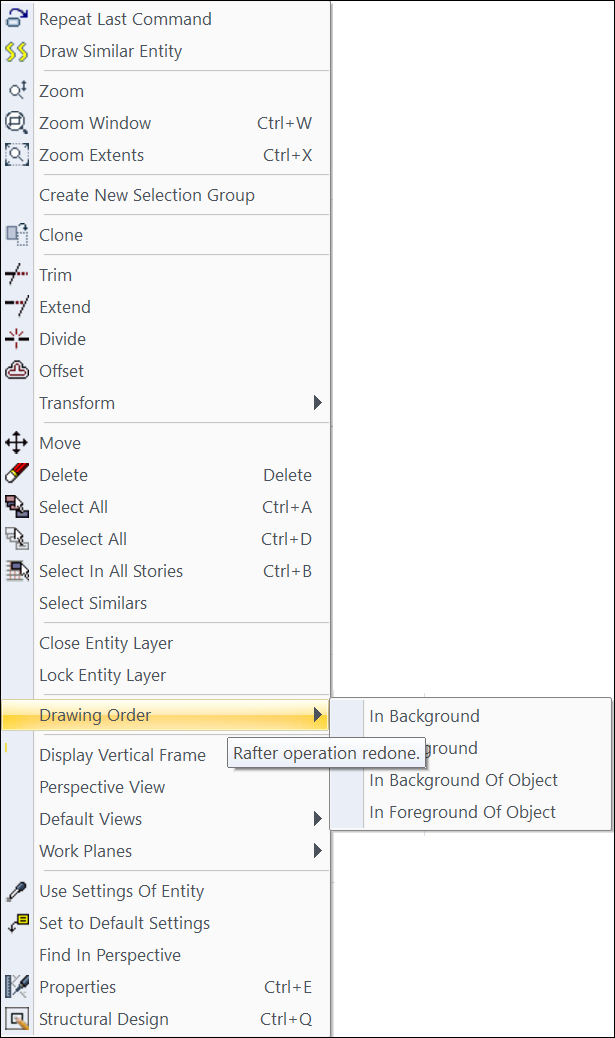
With the Drawing Order command, the selected object in the drawing to the background or foreground. The drawing order is changed by selecting In Background, In Foreground, In Background Of Object and In Foreground Of Object.
Location of Drawing Order Command
After selecting the object, you can access the Drawing Order options in the menu that opens when the right mouse button is clicked .
Usage steps
-
Çizim sırasını değiştirmek istediğiniz objeyi seçin.
-
Right-click on the Drawing Order line from the menu and make your selection.
-
The drawing order of the selected object will change.
|
Usage step |
|---|
|
Zone before changing the drawing order 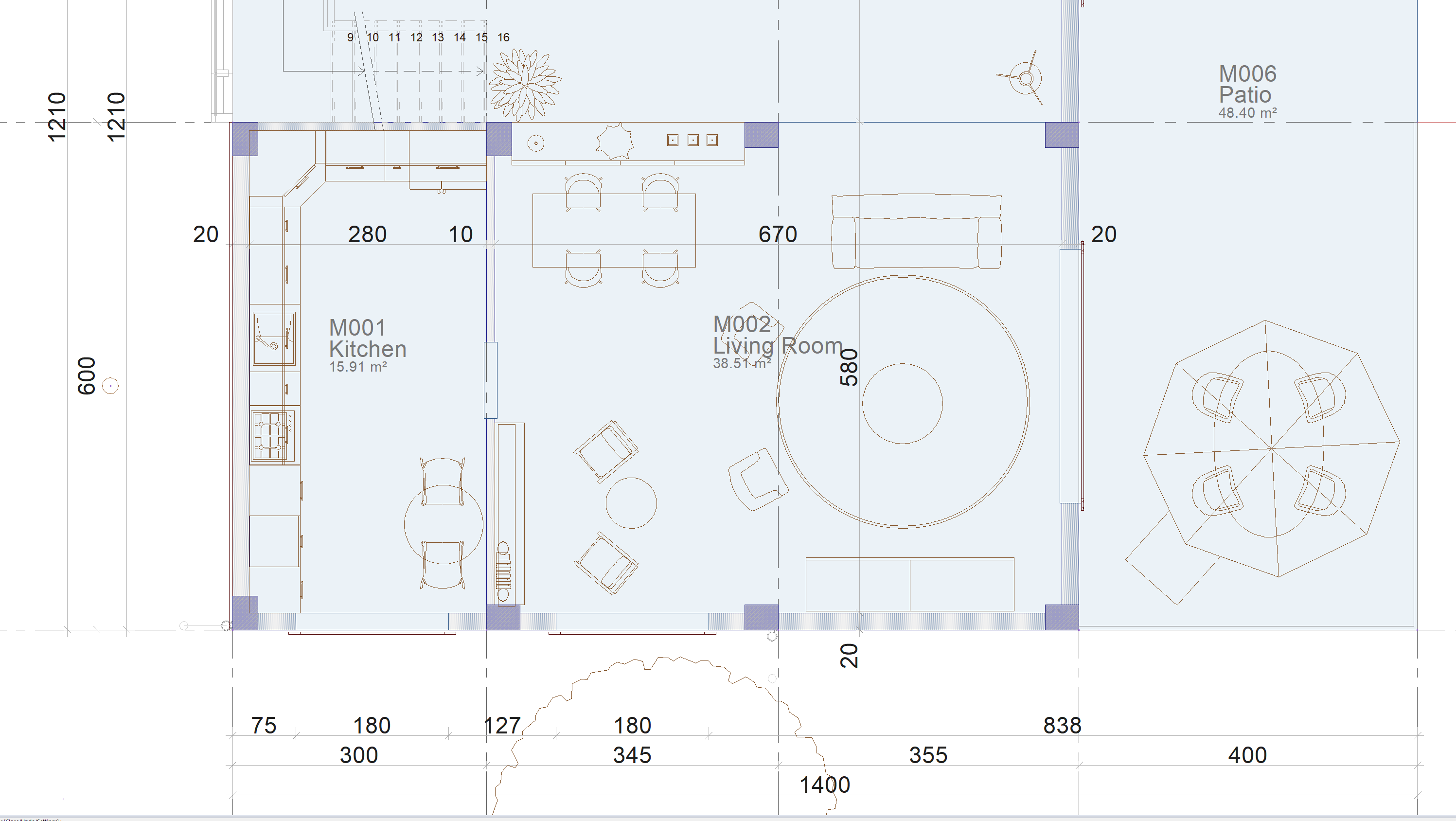
|
|
Selecting the zone and selecting send to foreground from the drawing order 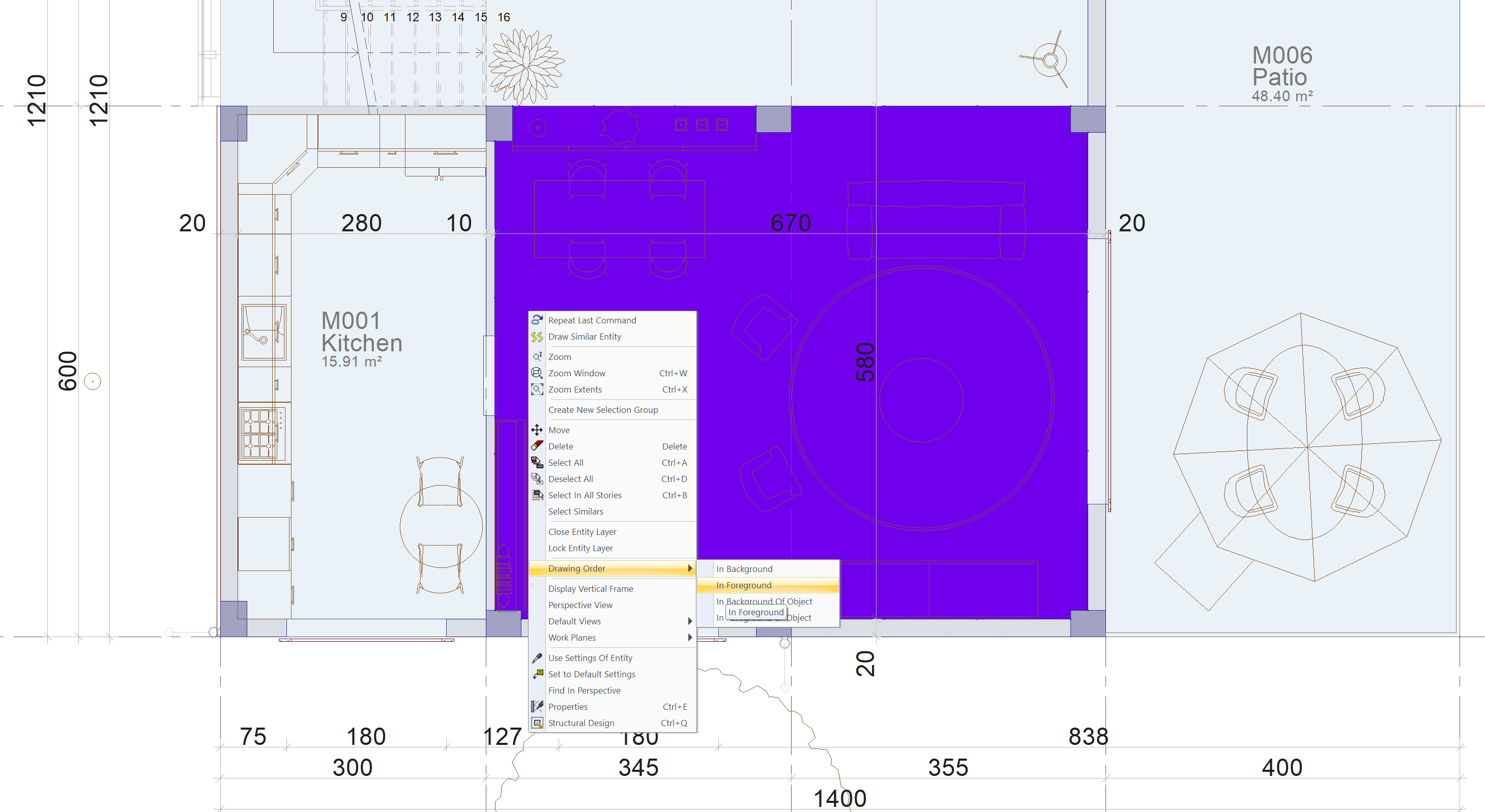
|
|
After changing the drawing order 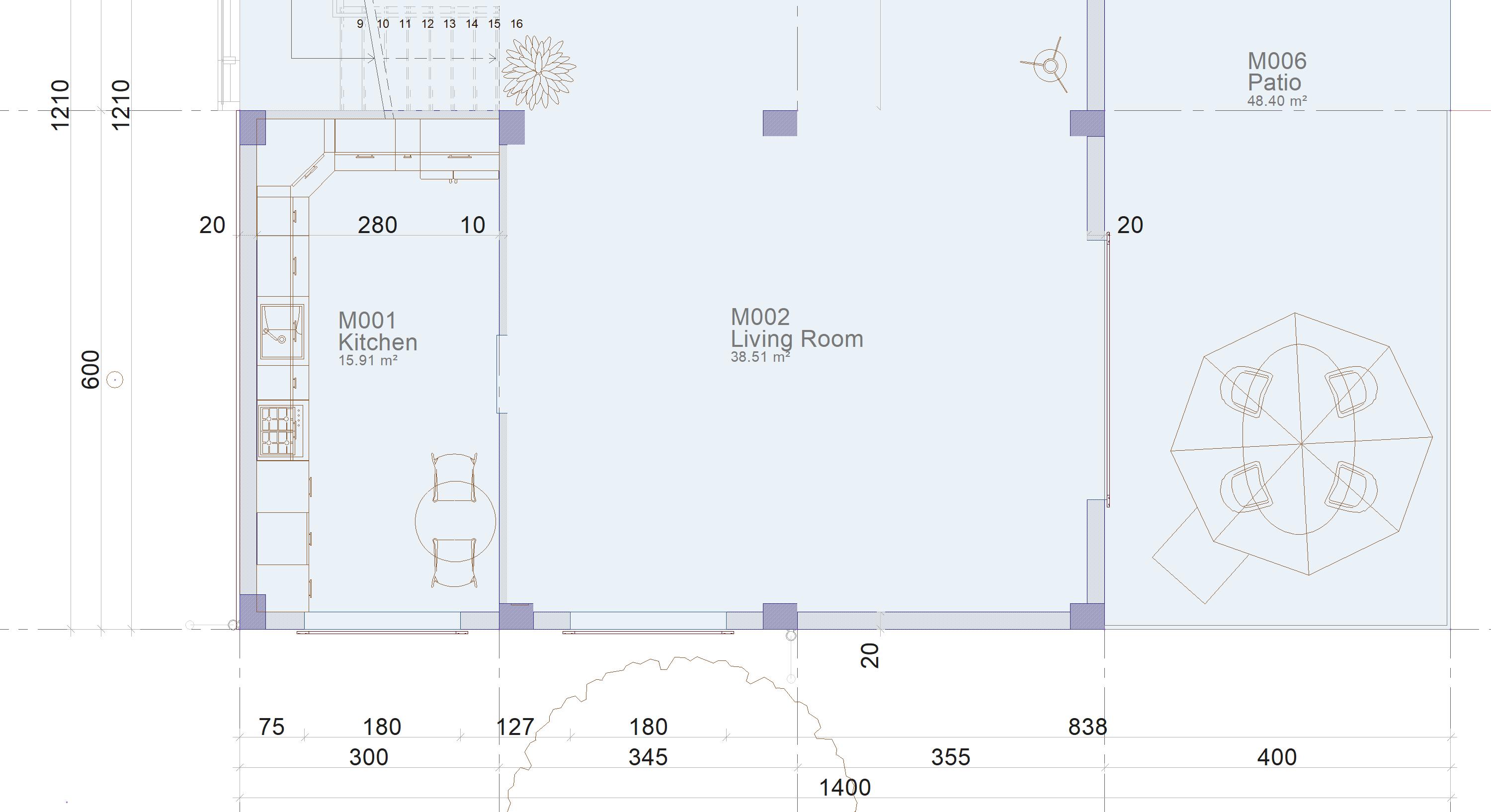
|
|
Usage step |
|---|
|
Before changing the drawing order 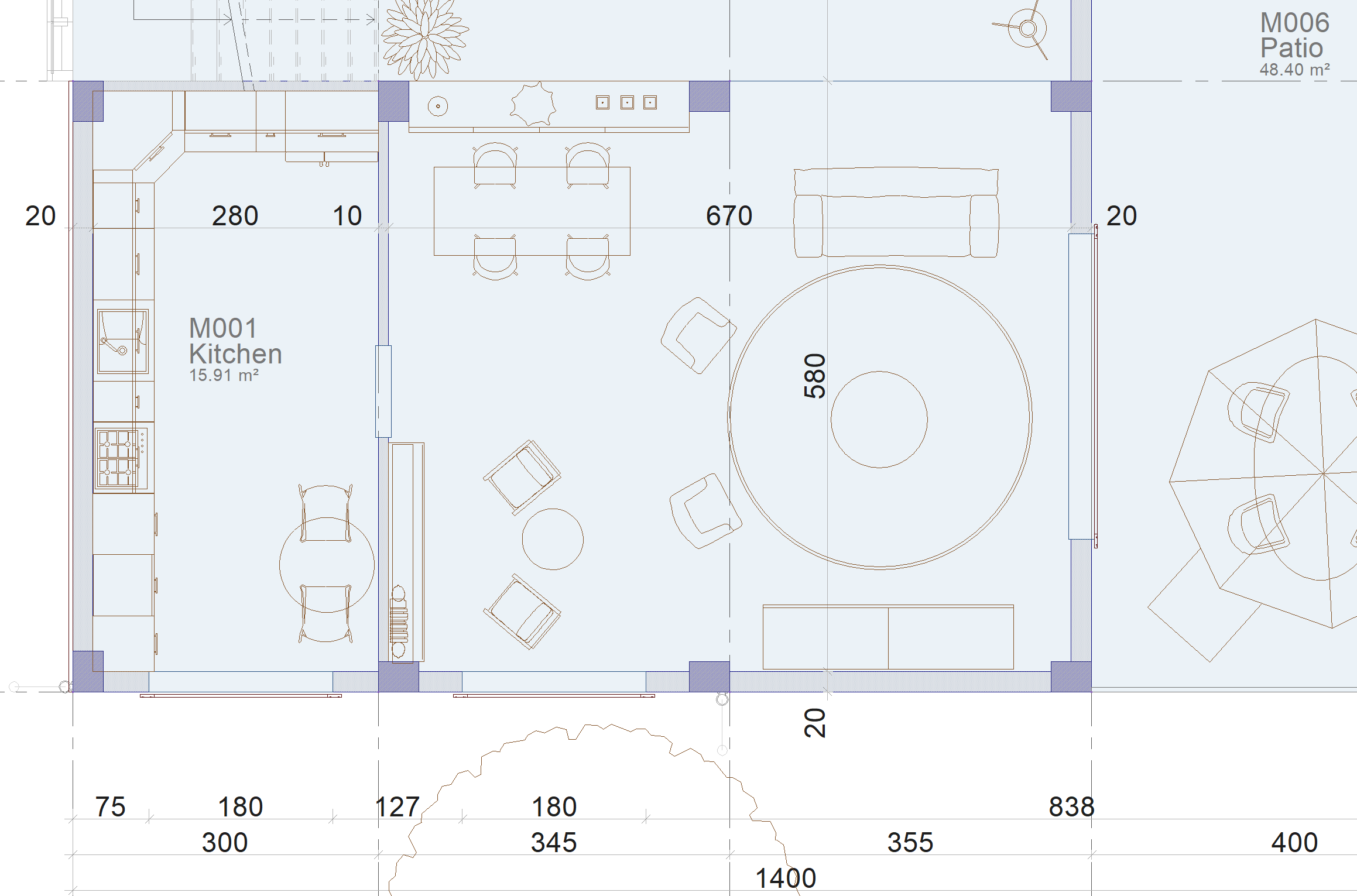
|
|
Selecting the library objects and selecting send to the back of the object from the drawing order 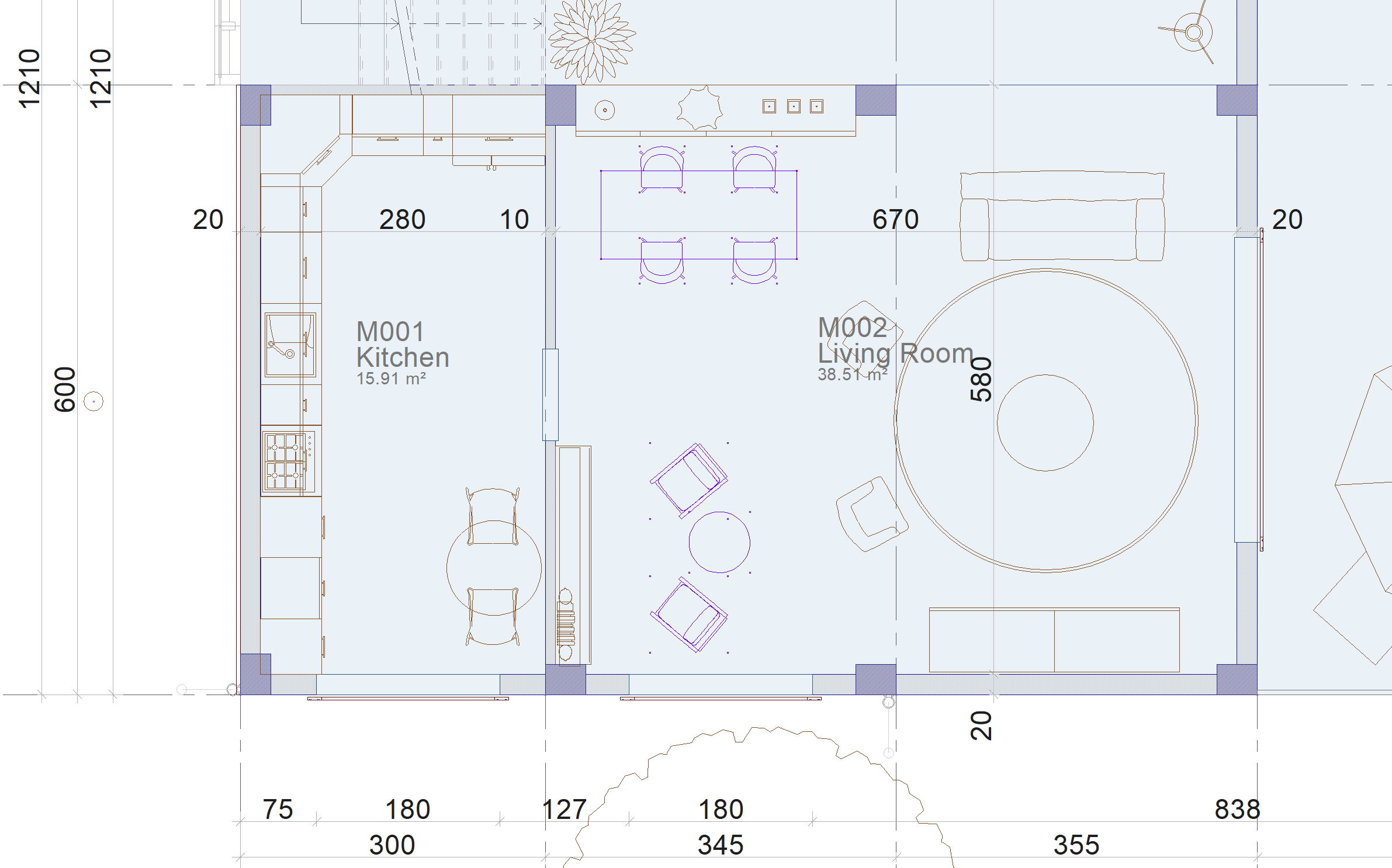
|
|
Selecting the location as the object to be sent behind 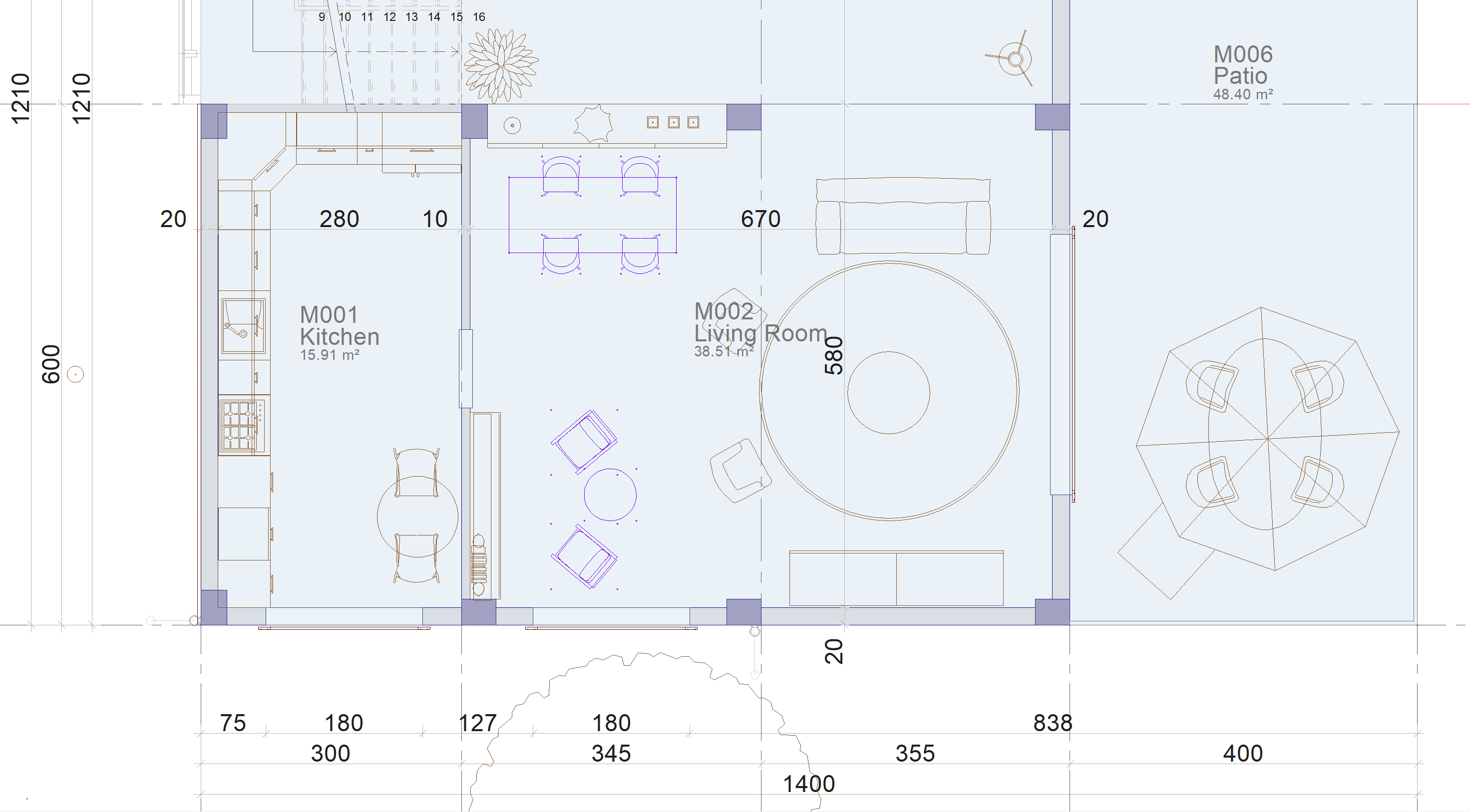
|
|
After changing the drawing order 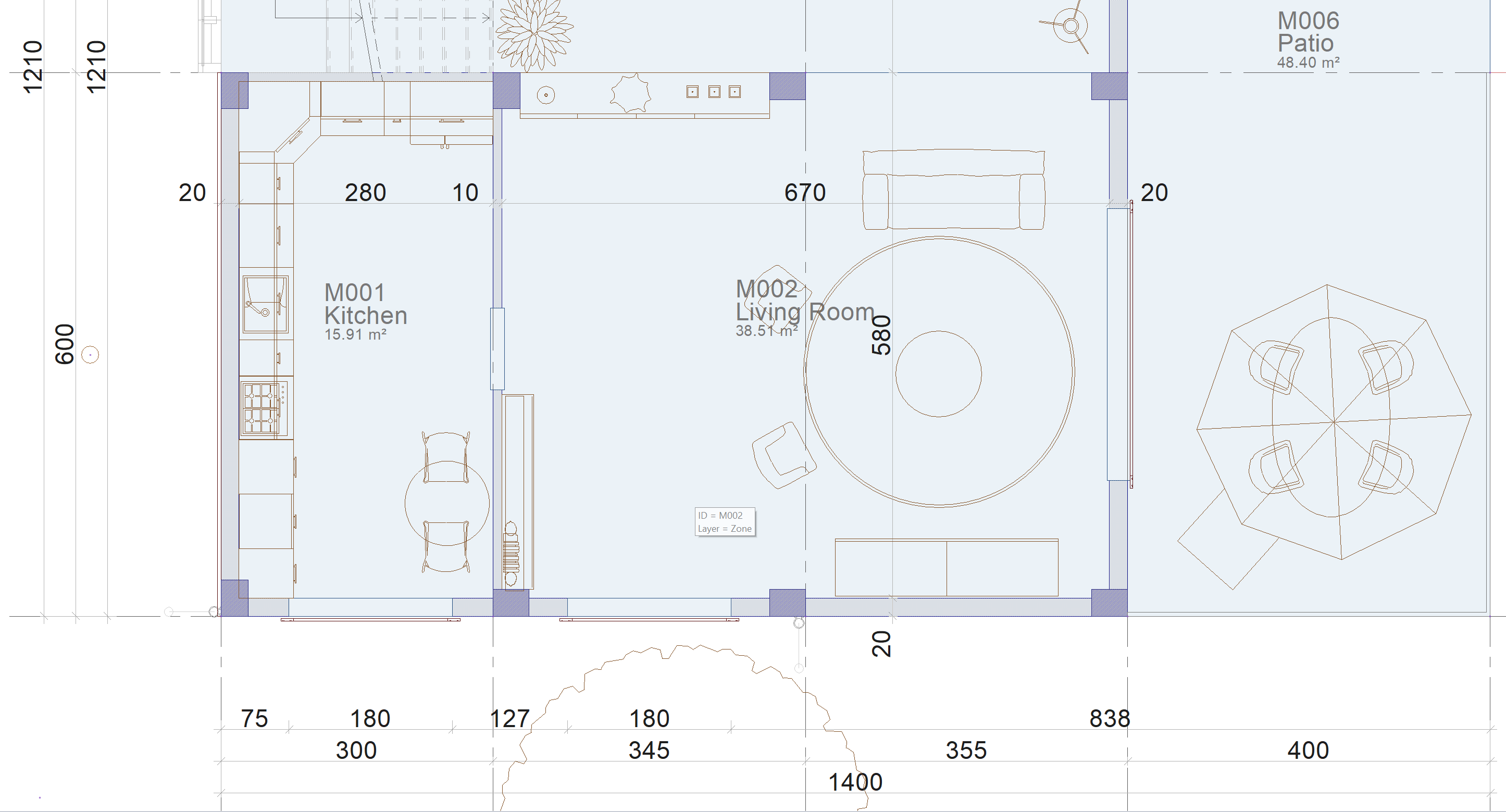
|
Next Topic