
In the ideCAD, first Copy (CTRL+C) and then Paste (CTRL+V) commands are used to copy the wanted objects on the same story or on the drawing sheet, from one story to another story or from a drawing sheet to another drawing sheet .
The copy command saves the objects to be copied. Paste command pastes objects in memory to the wanted point.
Location of the Copy Command (Ctrl+C)
The copy command can be run from the toolbar on the left side of the program.
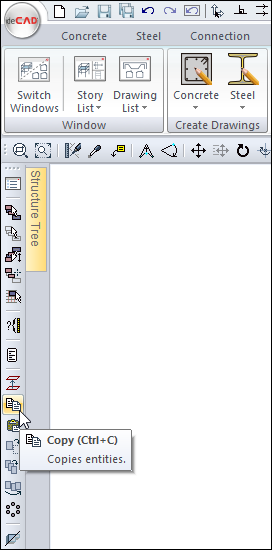
In addition, the Drawings tab is under the Edit heading.
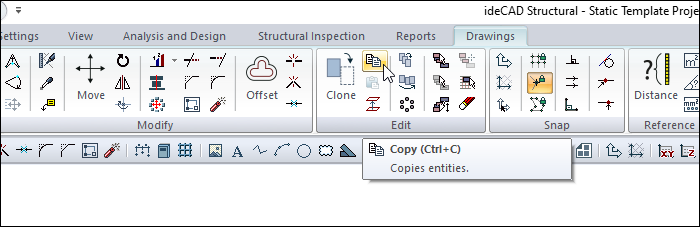
Also, when the C key is pressed while holding the Ctrl key, the command will run.
Location of the Paste Command (Ctrl+V)
Paste command becomes active after copy command.
The paste command can be run from the toolbar on the left side of the program.
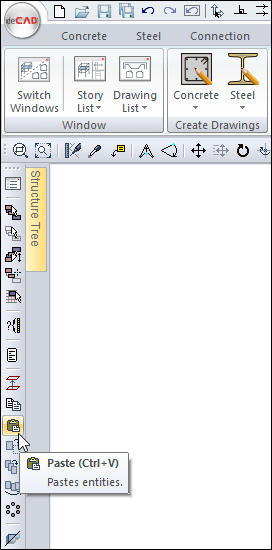
In addition, the Drawings tab is under the Edit heading.
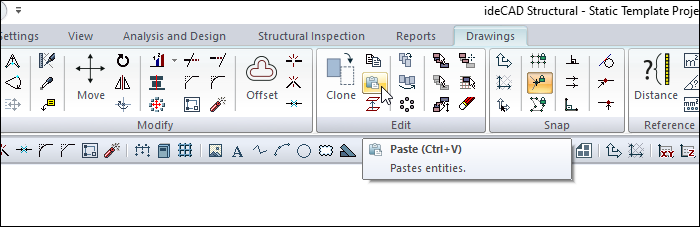
Also, when the V key is pressed while holding the Ctrl key, the command will run.
Copy Command Usage Steps
To make a copy:
-
Press Ctrl+C key.
-
Select the objects to be copied.
-
Click the right mouse button to copy the selected objects.
-
Set the reference point with the left mouse button.
-
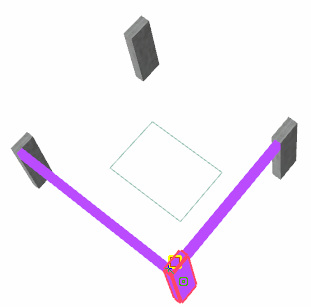
Objects will be memorized.
Paste Command Usage Steps
-
Switch to the page or story to be copied.
-
Press Ctrl+V key.
-
Call the objects by clicking with the left mouse button.
-
Preview of the objects will appear, it will move with the movement of the mouse.
-
Click the point where you want to paste the objects.
-
Your object will be created.
|
Usage step |
|---|
|
Selecting objects after Ctrl+C and giving the reference point 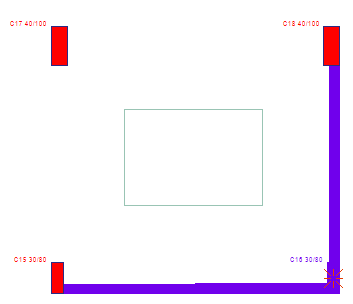
|
|
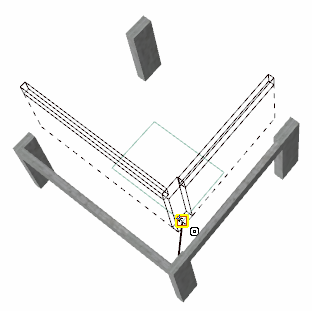
Pasting objects at reference point after Ctrl+V The bonding process can be used on the same floor or by switching to any floor. 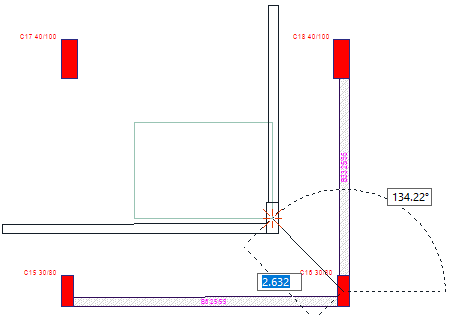
|
3D objects can only be pasted into 3D story windows. Copied 2D objects can be pasted into both 2D and 3D windows.
Next Topic
Related Topics