
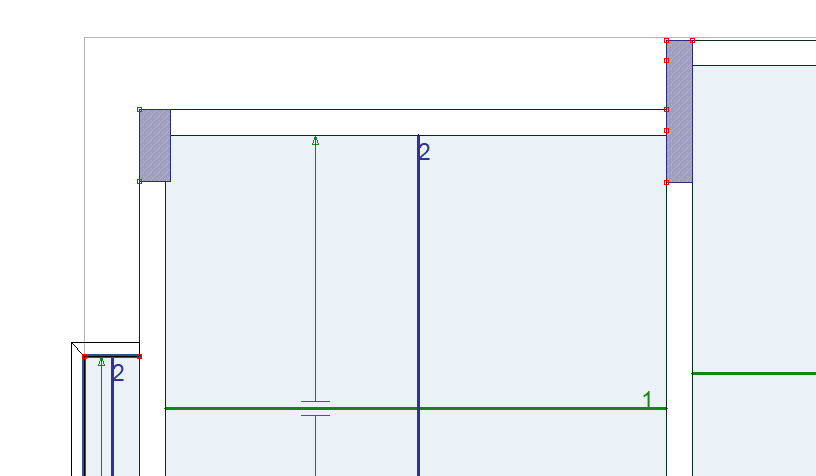
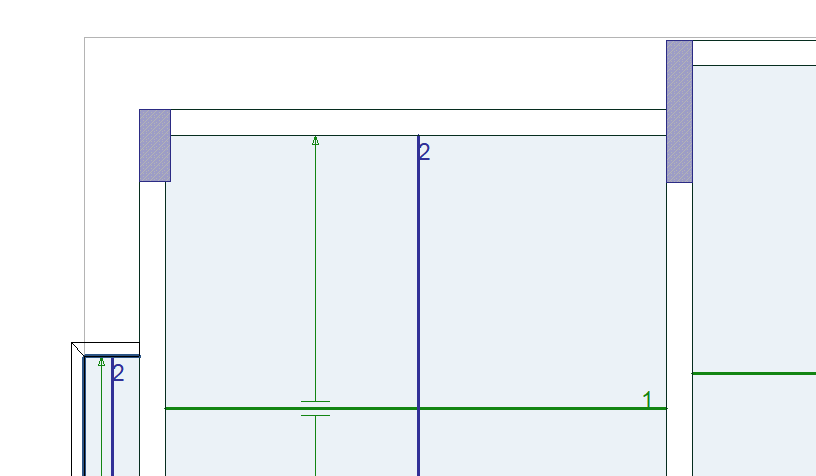
All objects have one or more nodes depending on the type of objects. With the Show/Hide Nodes command, the nodes are shown and closed in the plan. If checked, node points appear in the plan, if not, they are not.
Location of Show/Hide Nodes Command
In the Architectural Program
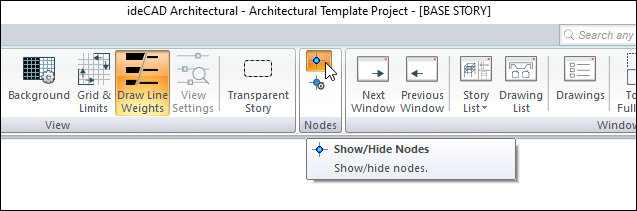
In the architectural program, you can access it under the ribbon menu View tab View heading.
In Structural Program
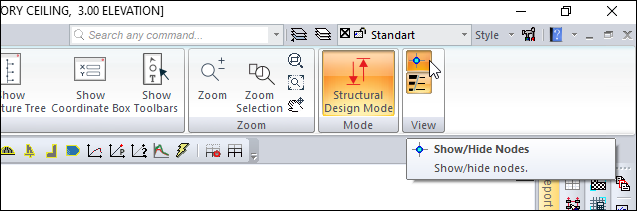
You can access the structural program under the ribbon menu View tab View title.
|
When the nodes are open |
|---|
|
|
When the nodes are closed |
|
Next Topic