
The jamb is defined in door or window elements. In order to draw jambs, door/window elements must first be defined in the project.
Location of Jamb Command
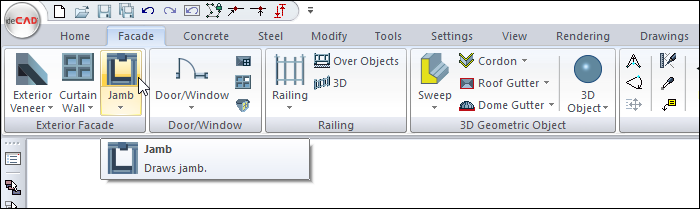
You can access it under the Ribbon menu, Facade tab, Facade title.
Usage Steps
-
Define the wall and door or window.
-
Click the Jamb icon.
-
Click the door/window with the left mouse button.
-
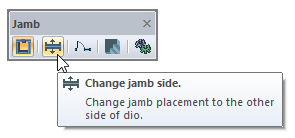
At this stage, if you click the Change jamb side icon on the jamb toolbar or press Spacebar key, the jamb place on the other side of the wall.
-
Finish the jamb command by clicking the left mouse button.
|
Usage step |
|---|
|
Choosing the door/window to place jambs 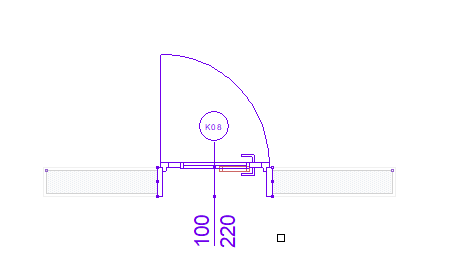
|
|
The creation of a preview of the jamb 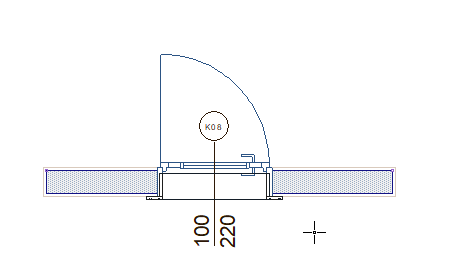
|
|
Changing the placement with the spacebar 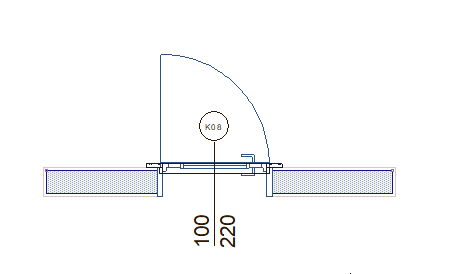
|
|
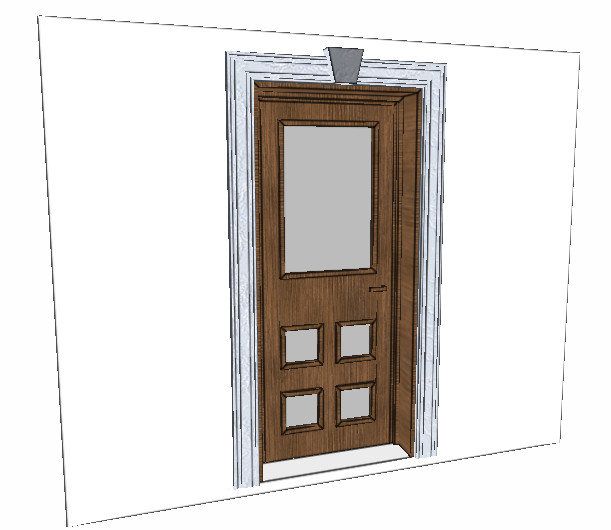
The formation of the jamb 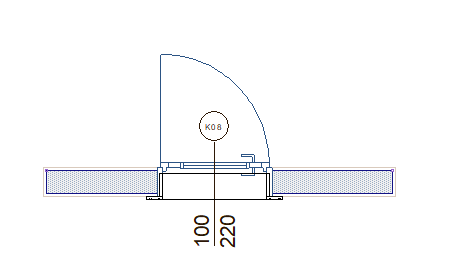
|
Next Topic