
The ridges are the section where the roof surfaces intersect along a straight line. With the intersection of the roof surfaces rising from the eaves that are not parallel to each other, the hip/valley rafter occur.
Hip/valley rafter is created with the hip/valley rafter command. Hip/valley rafters are created with a single click on the roof break lines.
Location of Hip/Valley Rafter Command
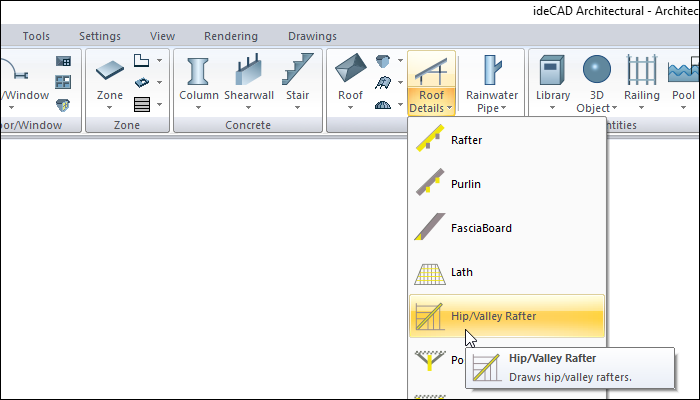
In the Architectural Program
You can access it under the ribbon menu Home tab Roof title.
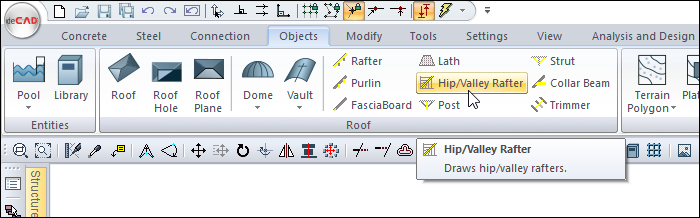
In Structural Program
You can access it under the ribbon menu Objects tab Roof title.
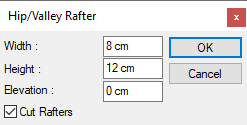
Hip/Valley Rafter Settings Dialog
|
Specifications |
|---|
|
Width 
The width of the hip/valley rafter section is entered. |
|
Height 
The height of the hip/valley rafter section is entered. |
|
Elevations 
The elevation of the hip/valley rafter is found automatically by the program and is placed on the lines where the hip/valley rafter and roof surfaces intersect. If the elevation value here is zero, the hip/valley rafter is tangent to the lower face of the roof covering. If a positive level is entered, the hip/valley rafter moves up, if a negative level is entered, it moves down. |
|
Cut rafters 
When marked, it cuts the rafters it coincides with. |
Usage Steps
To draw a hip/valley rafter:
-
Click the Hip/Valley Rafter icon in the ribbon menu .
-
Click with the left mouse button on the roof breaking line where you want to create a hip/valley rafter.
-
The Hip/Valley Rafter dialog will be displayed. Make the necessary settings here and press the OK button.
-
The hip/valley rafter drawing will be completed.
-
Build the other hip/valley rafter with the above process order.
|
Usage step |
|---|
|
Selecting the roof surface intersection when in the hip/valley rafter command 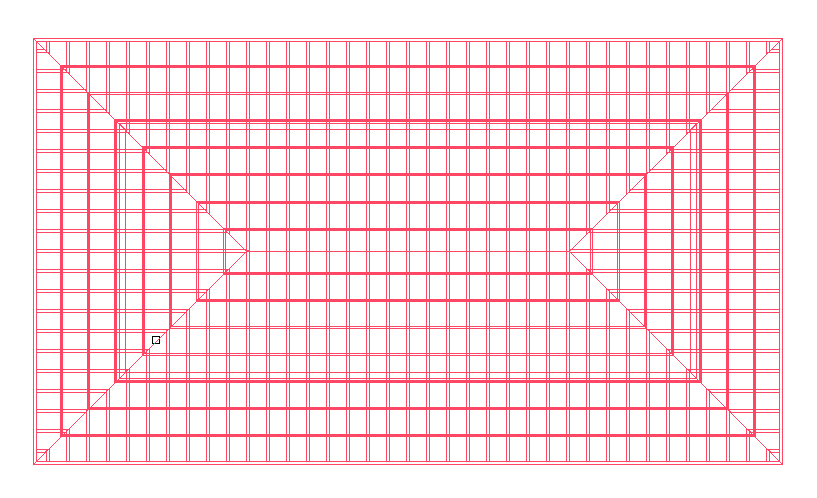
|
|
Creation of hip/valley rafter previews 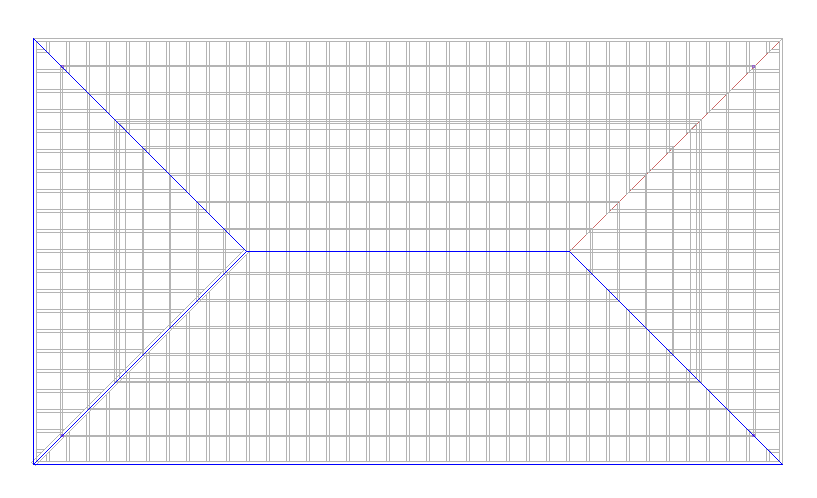
|
|
Making settings in the dialog hip/valley rafter settings - entering the hip/valley rafter width 15 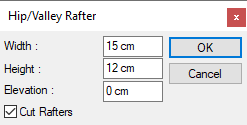
|
|
Preview change according to the entered value 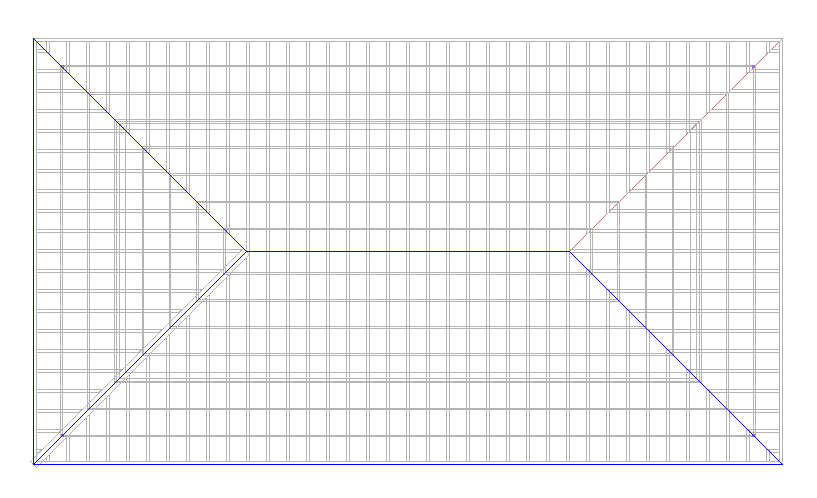
|
|
Formation of the hip/valley rafter 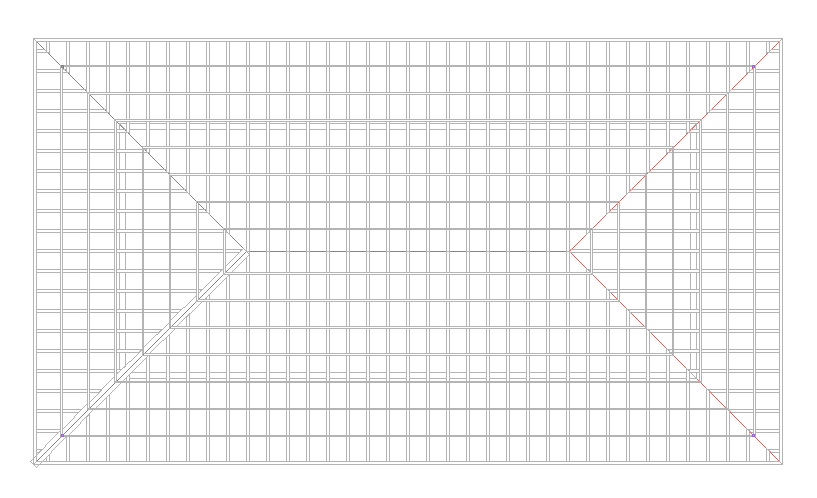
|
|
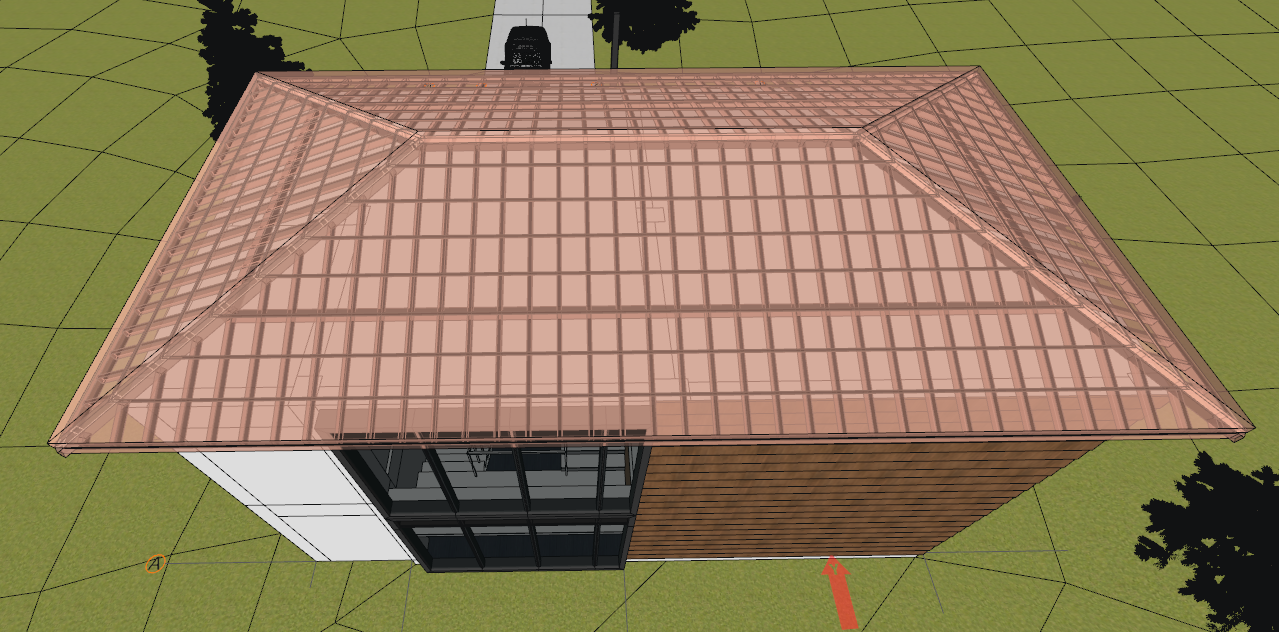
Formation of the hip/valley rafters 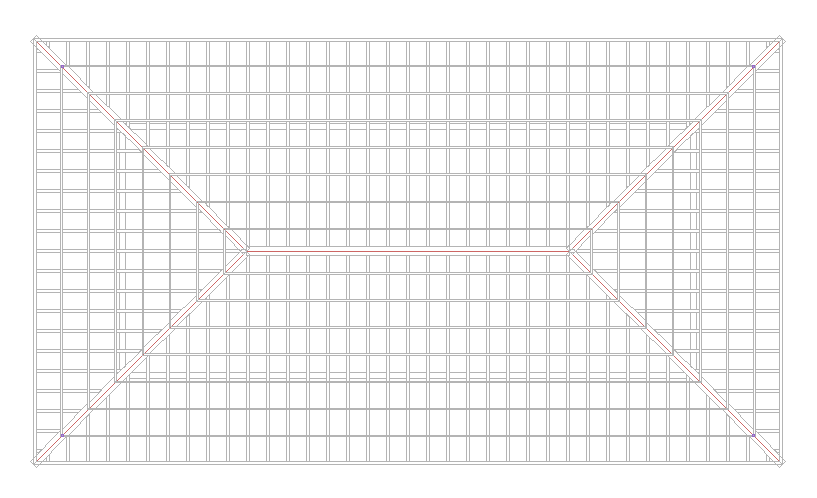
|
Next Topic
Related Topics