
Ellipse Center-Corners command is one of the three ellipse drawing techniques. An ellipse is created by specifying a center, a corner point.
Location of the Ellipse Center-Corners Command
In the Architectural Program
You can access it under the ribbon menu Drawings tab, Primitives title
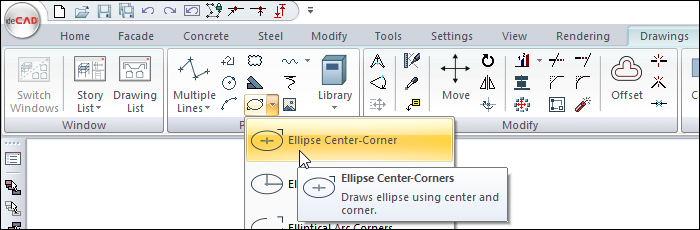
In the Structural Program
You can access it under the ribbon menu Drawings tab, Primitives title
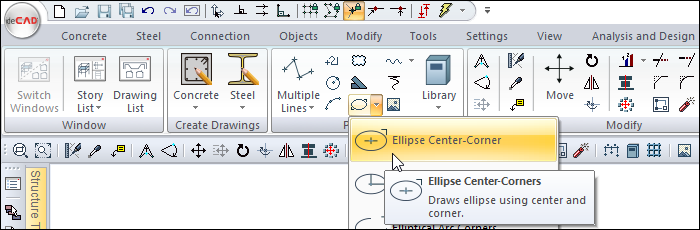
Usage Steps
To draw an ellipse using this command:
-
Click the Ellipse Center-Corners icon in the ribbon menu .
-
Click any point in the drawing area with the left mouse button. This point will be the center of the ellipse to be drawn.
-
Drag the mouse. Depending on the movement of your mouse, a preview of your ellipse will be created.
-
Select a second point by clicking the left mouse button.
-
An ellipse will be drawn.
|
Usage step |
|---|
|
Determining the first point of the ellipse 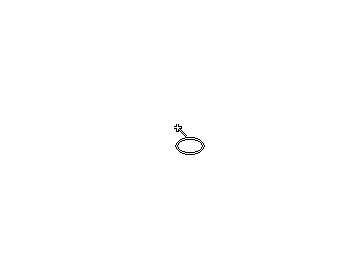
|
|
Previews due to mouse movement 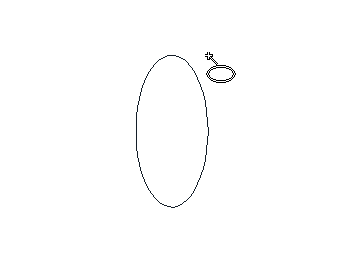
|
|
Determining the second point of the ellipse 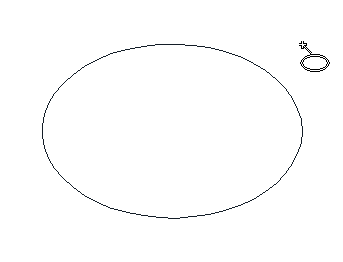
|
|
Creation of the ellipse 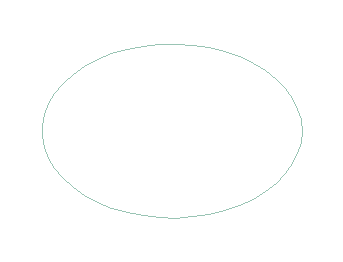
|
Next Topic