
With the "Update library elevation" feature, the library elevation is changed by selecting one of the elevations in the list.
-
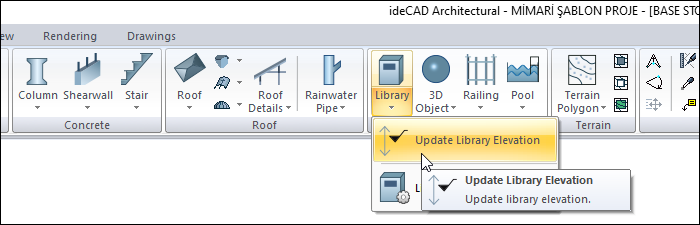
Click the update library elevation command.
-
Select the object whose elevation you want to change and click the right mouse button to finalize the selection process.
-
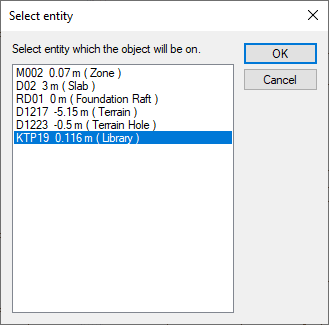
The select entity dialog will open. Select the object you want to place on it and click the OK button.
-
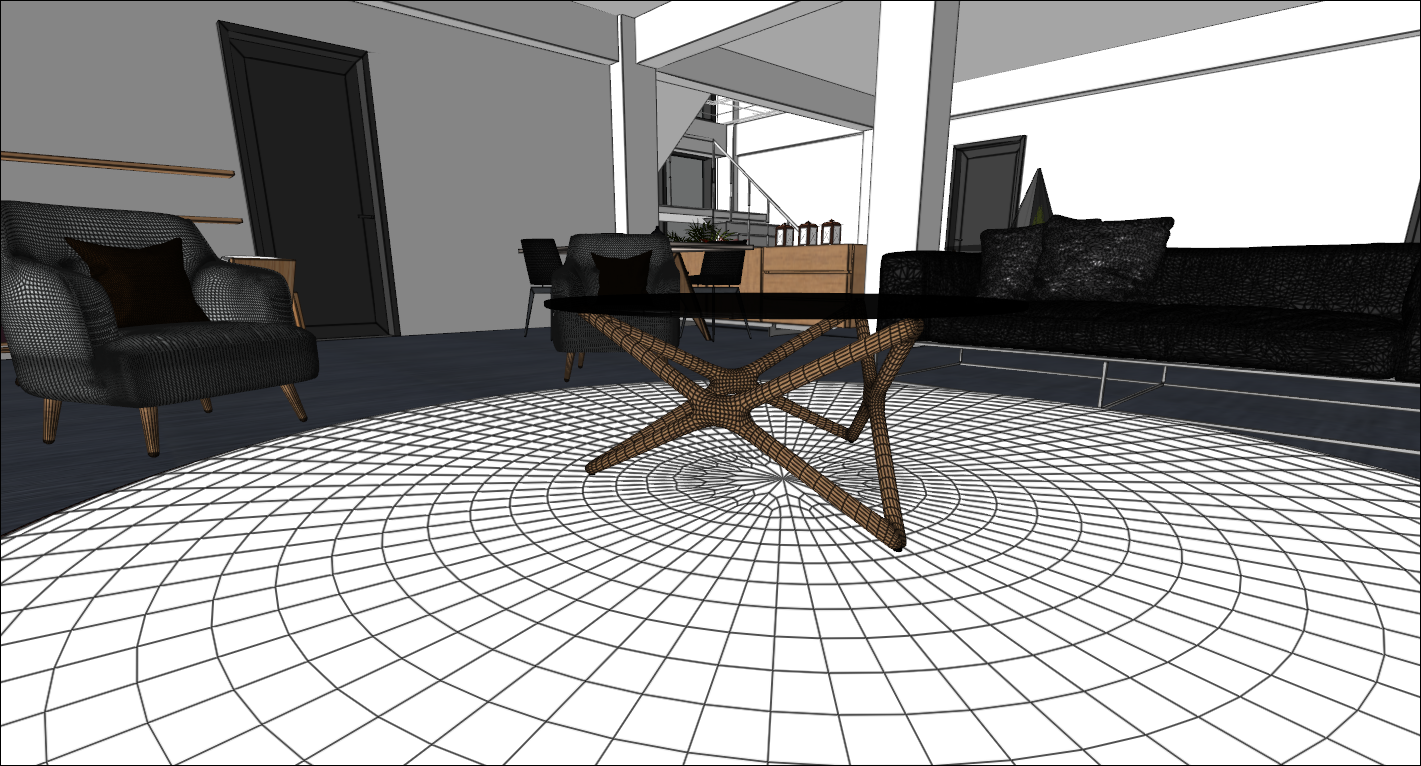
The elevation of your object will change to fit on the object you selected from the list.
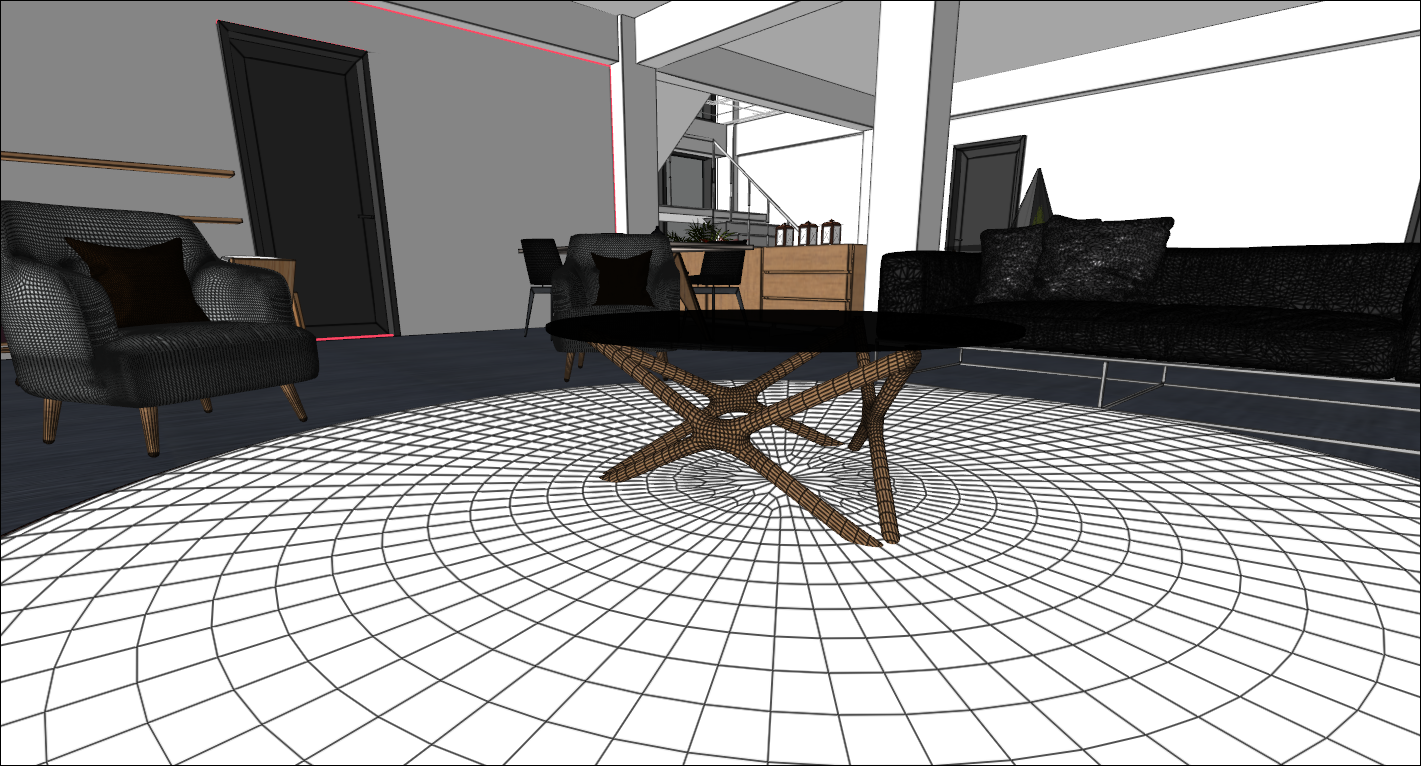
Before updating the coffee table elevation:
After updating the coffee table elevation:
Next Topic