
Two different zones are made by dividing an existing zone with "Home/Zone/Zone Edge" in the ribbon menu.
For this;
-
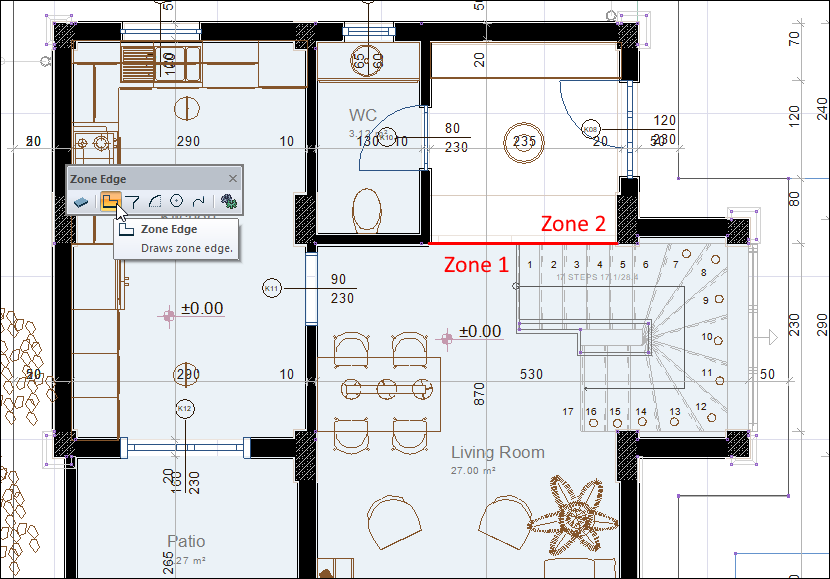
Click the Home/Zone/Zone Edge icon in the ribbon menu .
-
In the zone you want to define two different areas, draw your line as you want it to be divided.
-
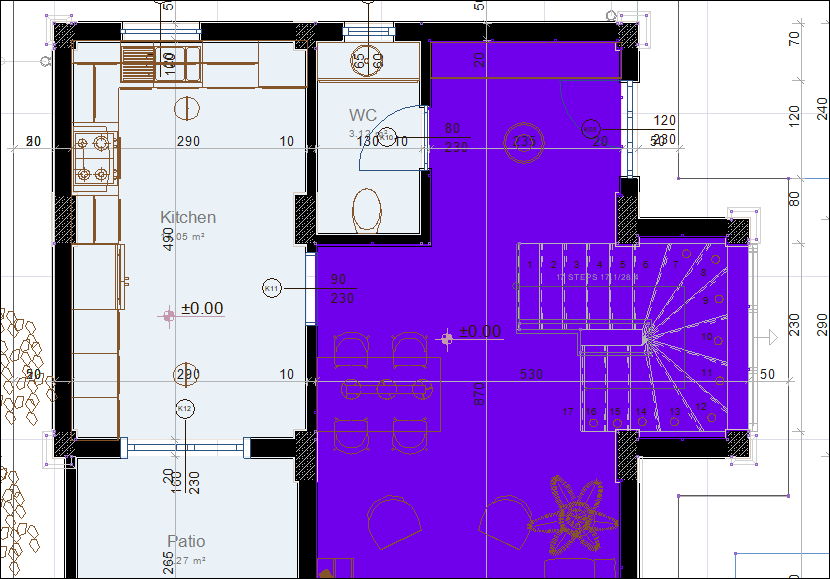
When you draw your line, the program divides the space into two and your zone becomes defined in only one area.
-
Others take it with you to define the zone, ribbon menu Home/Zone/Zone click the icon.
-
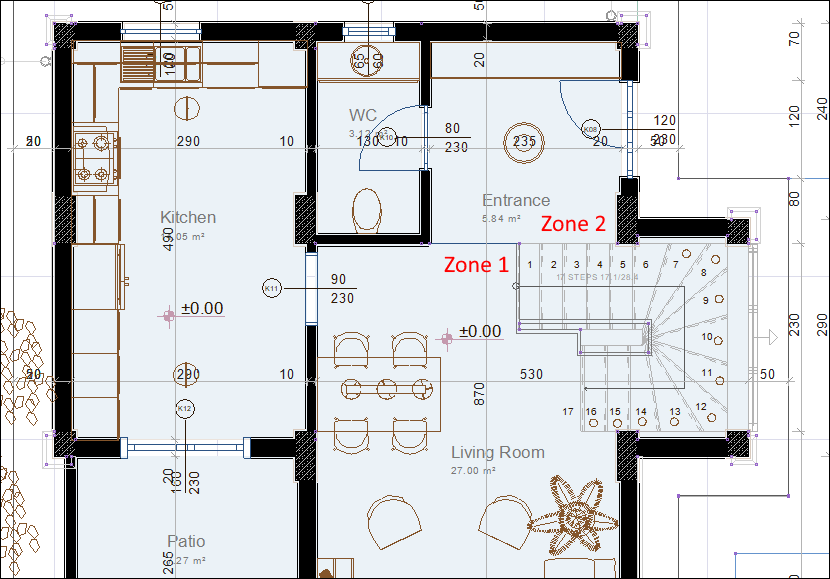
Define your zone by clicking on your second area.
Next Topic