
With the Move command, two and three dimensional objects are moved from their current point to a different point.
Location of the Move Command
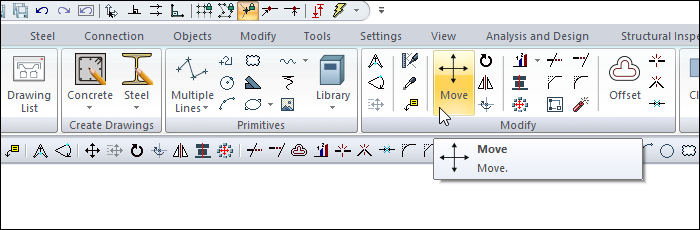
You can access the Move command under the Modifying title of the ribbon menu Drawings tab .
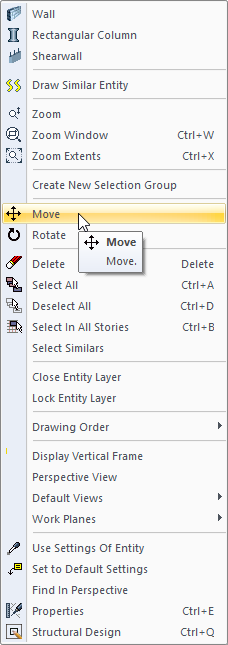
You can also run the move command from the menu that appears when you move your mouse over the object you want to move and right click.
Usage Steps
-
Click the Move icon in the ribbon menu .
-
Select the object or objects to move and click the right mouse button.
-
Select the base point for moving with the left mouse button.
-
Click the point where the object will be moved with the left mouse button.
|
Usage step |
|---|
|
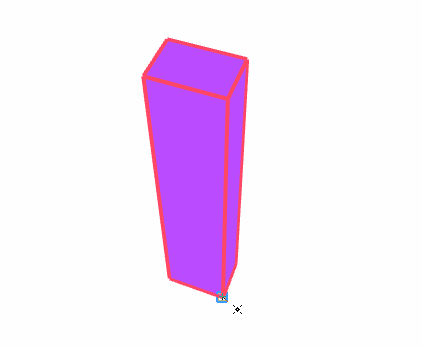
Selecting objects and giving the reference point in the move command. 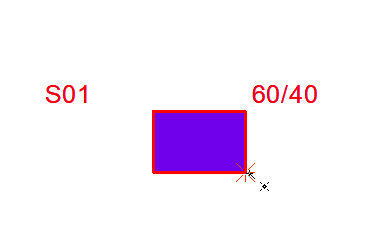
|
|
Drag the mouse to the new point and give the point where the object will be moved 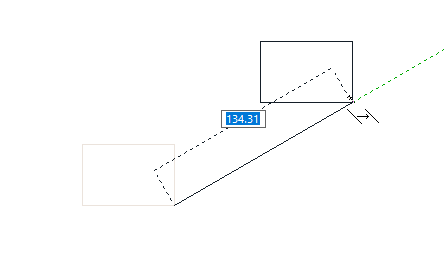
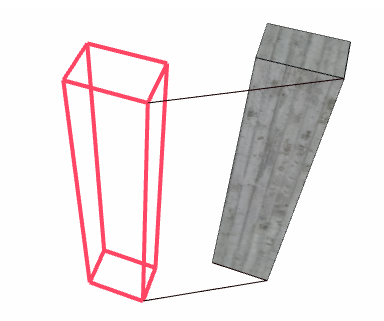
|
|
After moving 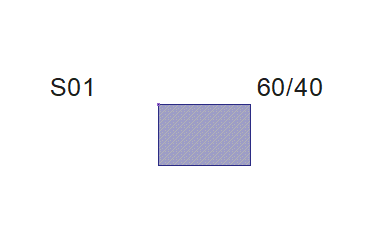
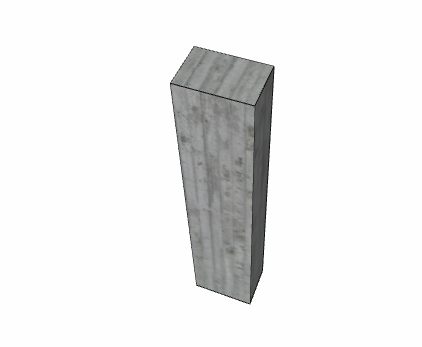
|
Next Topic
Related Topics