
The created roof detail elements (purlin, rafter, ridge, etc.) are deleted with the Delete Roof Element command.
Location of Delete Roof Element Command
In the architectural program , you can access it from the Home tab, Roof title in the ribbon menu .
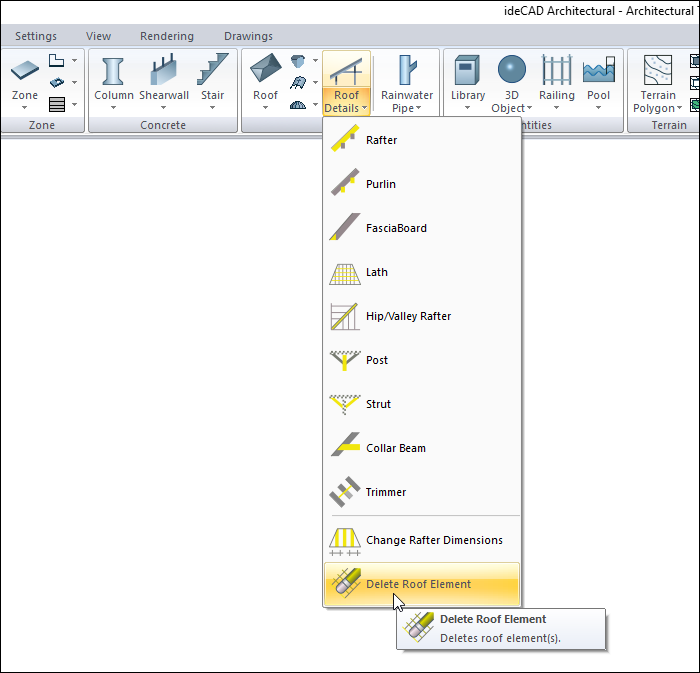
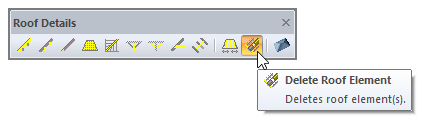
You can also access the delete roof element command from the roof details toolbar.
Usage Steps
-
Click the Delete Roof Element icon.
-
Drag the mouse cursor over the roof element (purlin, rafter, ridge, etc.) you want to delete. Click the left mouse button.
-
The relevant roof element will be deleted.
|
Usage step |
|---|
|
Before deleting the roof element 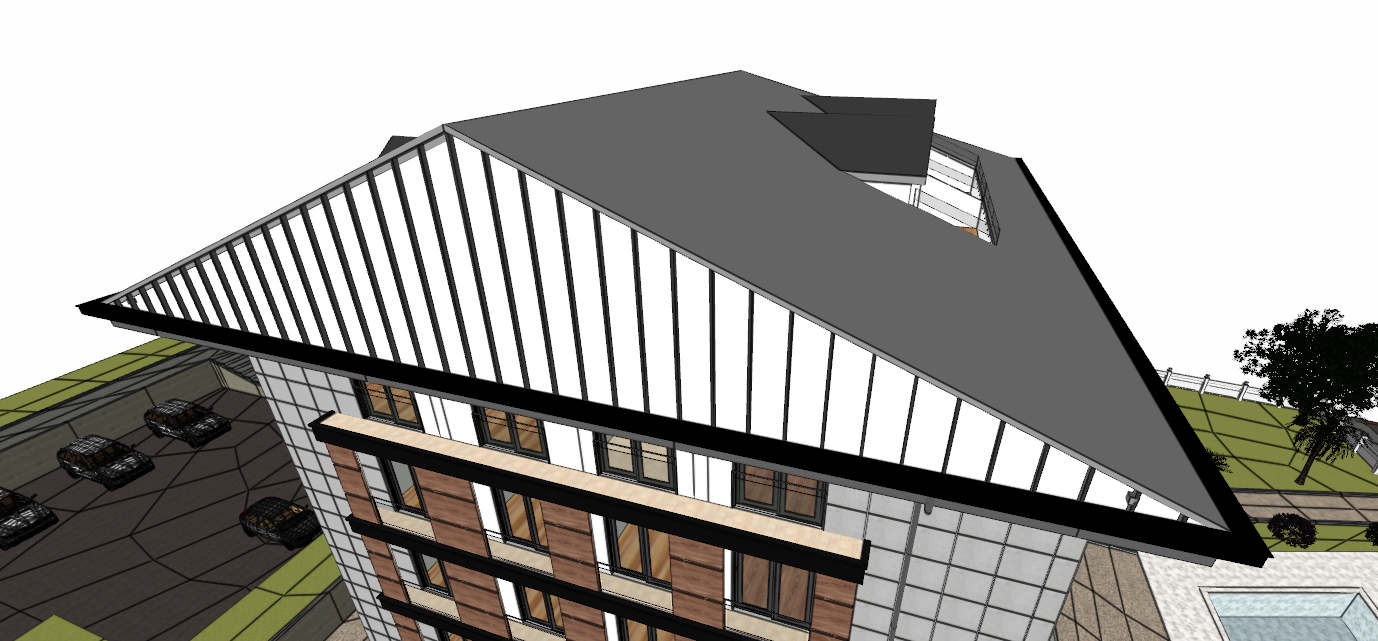
|
|
Choosing the rafter 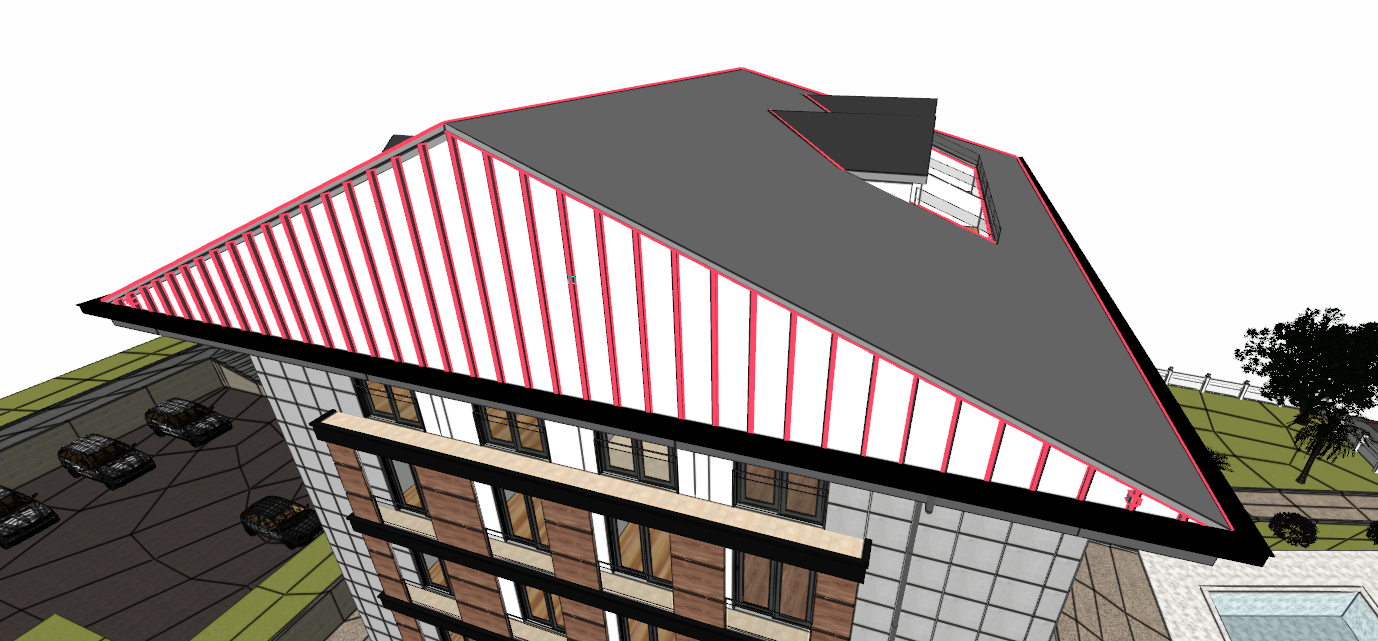
|
|
Deleting the rafter 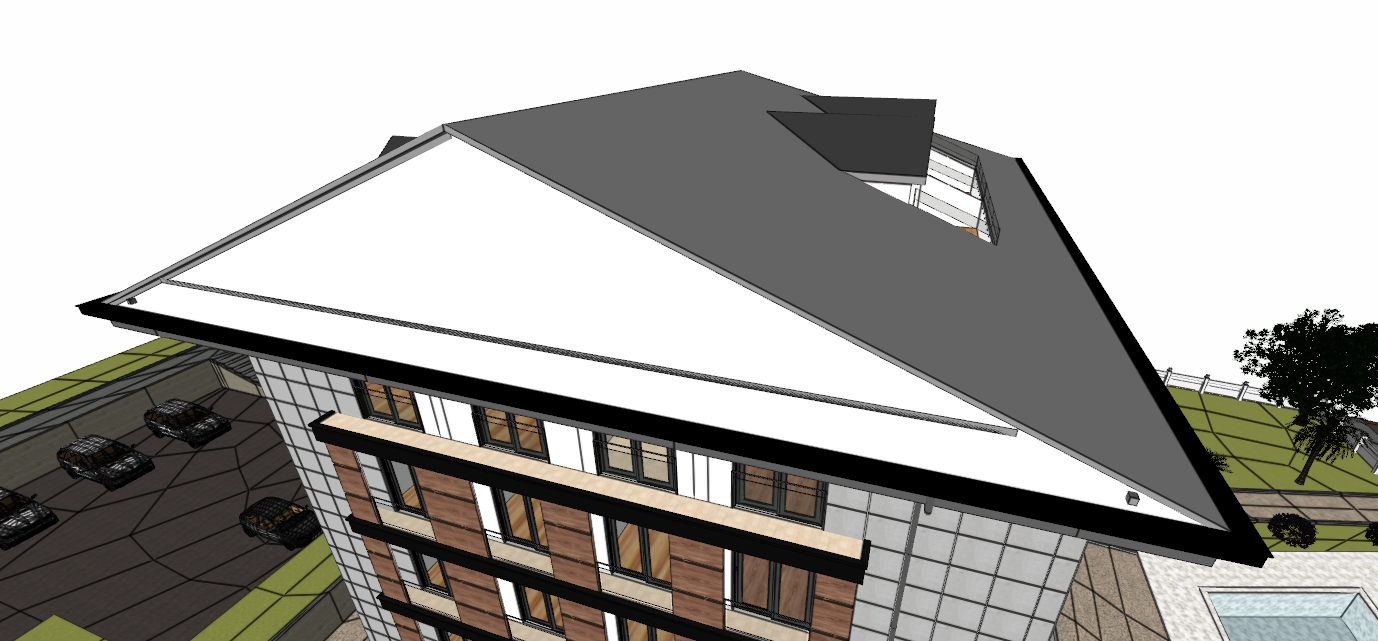
|
|
Choosing the purlin 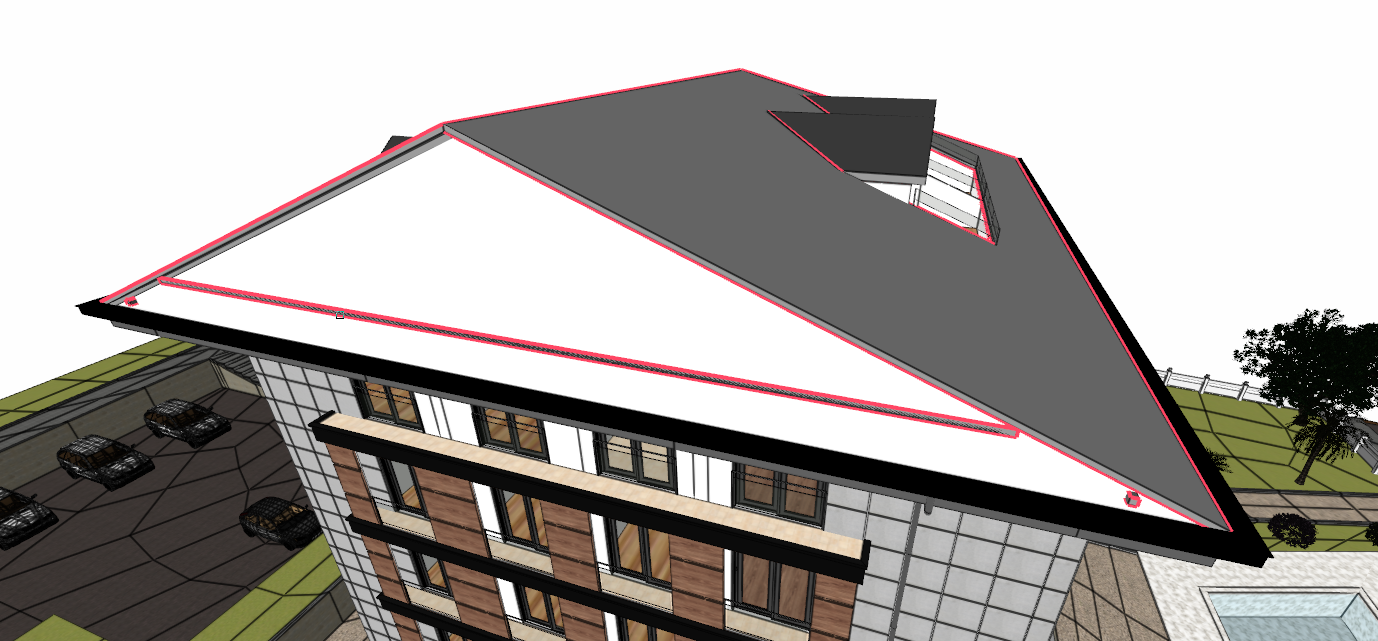
|
|
Deleting the purlin 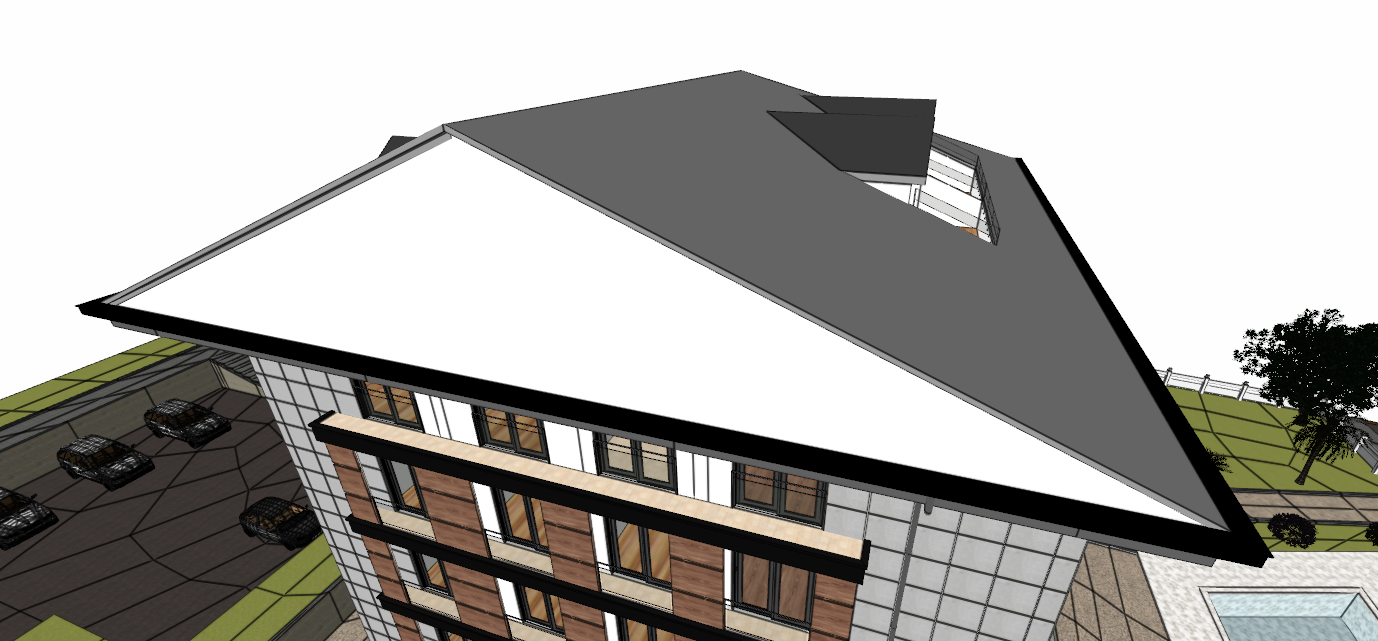
|
Next Topic