
|
An architectural project has been implemented in the project file named Examine the Structural Model. Download the project and start the structural system examination. |
-
Open the file prepared with ideCAD Architectural with the ideCAD Structural program.
-
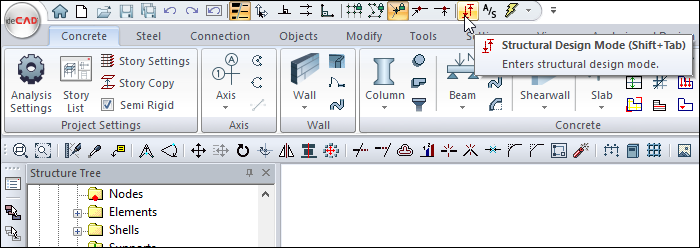
Switch to the structural plan view by clicking the Structural Design Mode command.
-
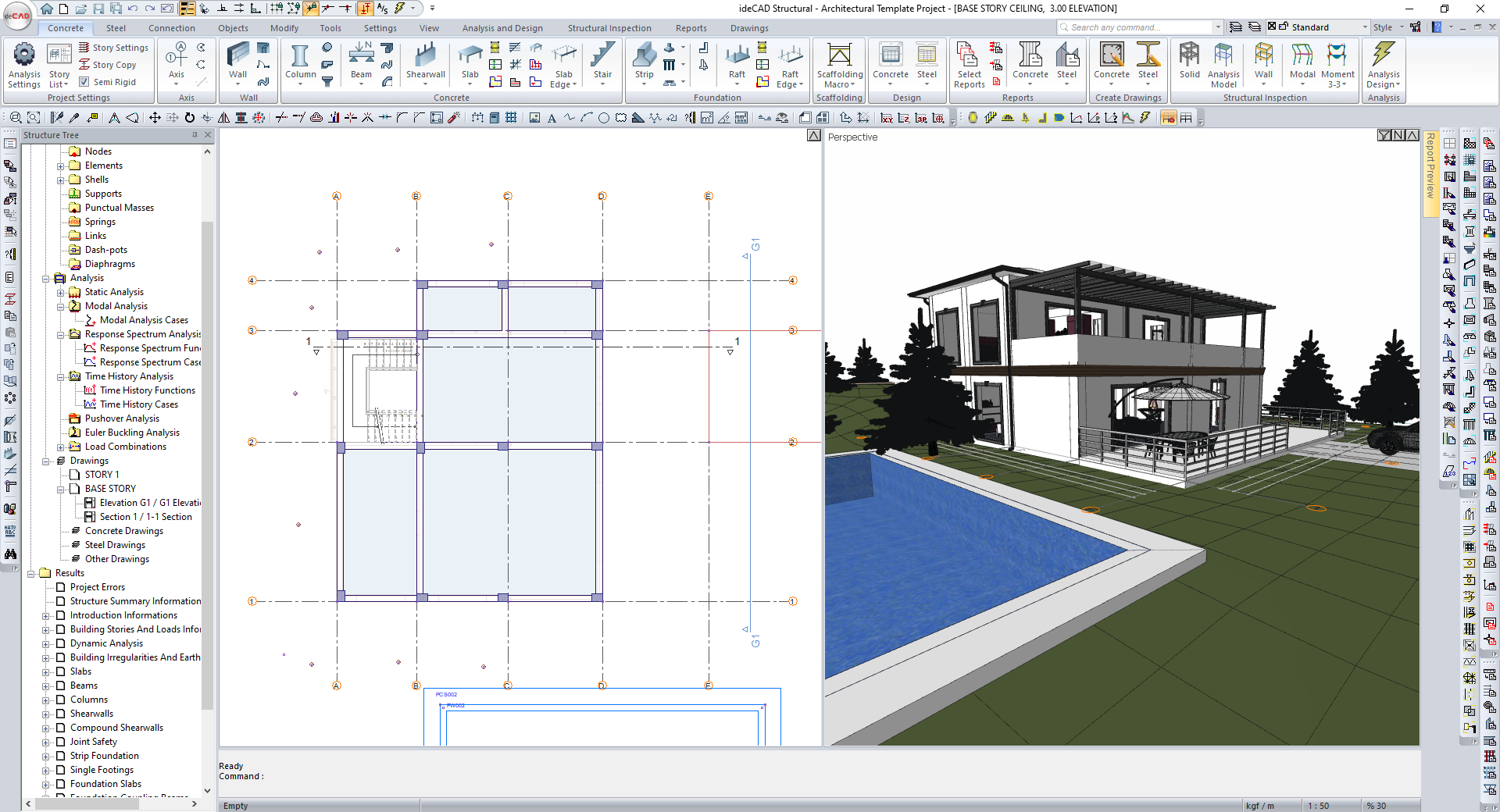
The architectural details will be closed and the Formwork Plan will be opened.
-
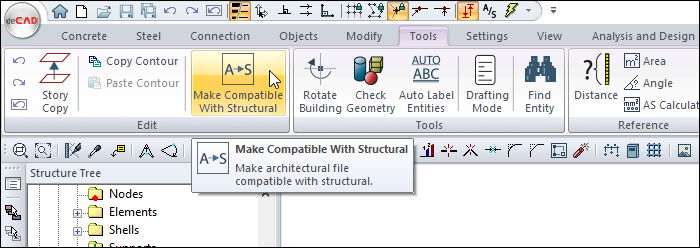
Click the Make Compatible with Structural command from the Tools menu.
-
Layers are automatically arranged according to ideCAD Structural.
-
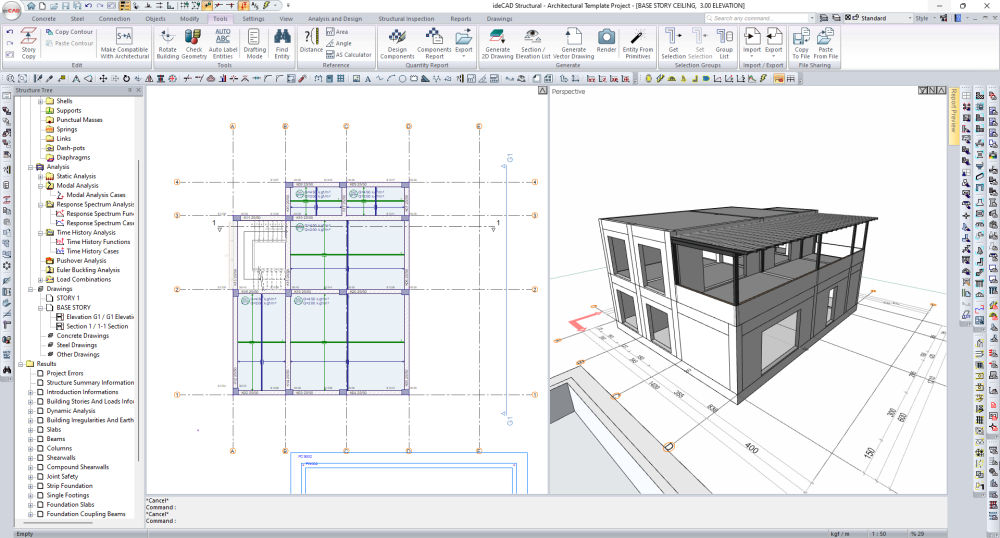
Column and beam dimensions are opened in the plan view.
-
Examine beam and column dimensions.
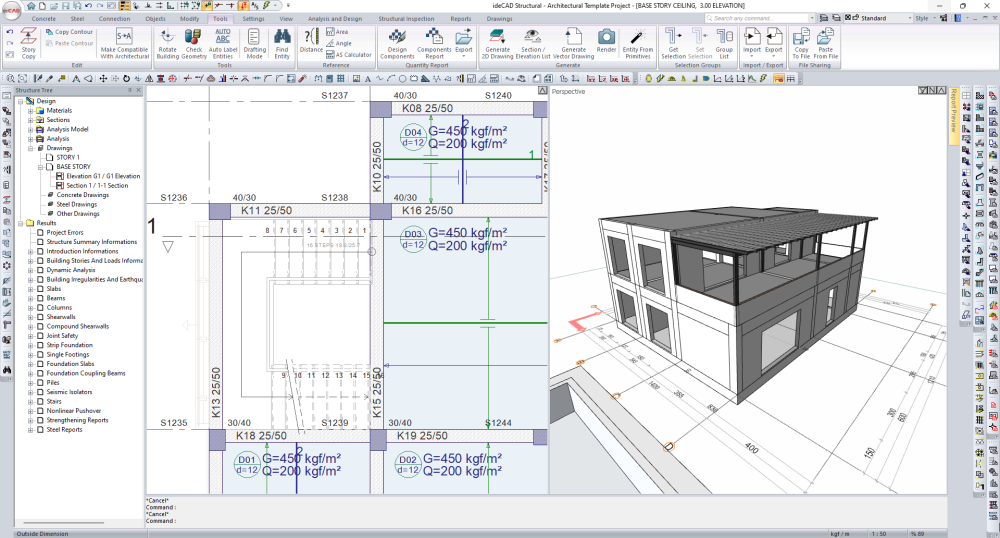
-
Examine slab thickness and slab loads.
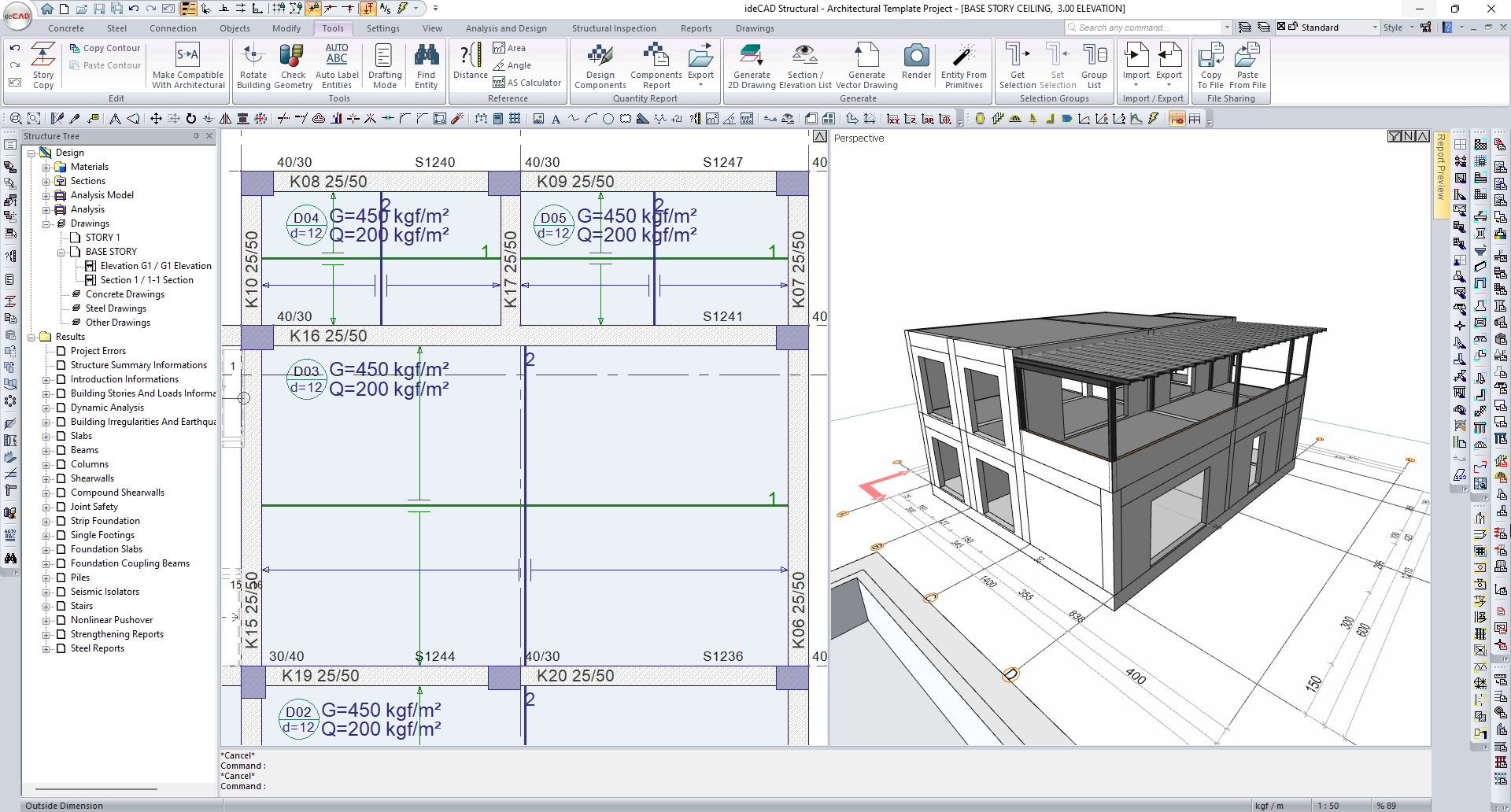
-
Column insufficiency is detected at the C-3 axis intersection.
-
Beam insufficiency is detected between axes 1-3 on the axis C.
-
Go to the STORTY 1 CEILING page.
-
Examine beam and column dimensions.
-
Column insufficiency is detected at the C-3 axis intersection.
-
Beam insufficiency is detected between axes 1-3 on the axis B.
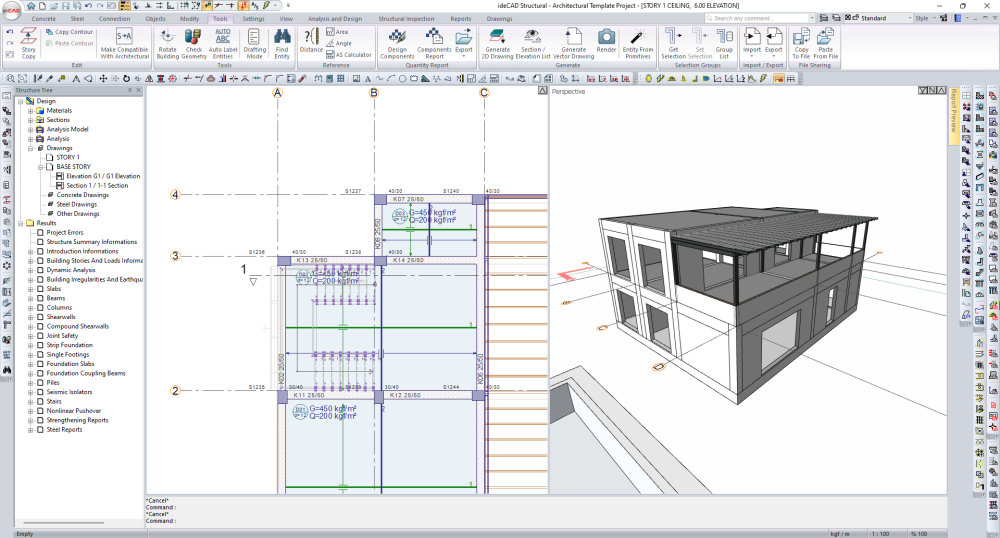
Follow the steps of the video below.
Next Tutorial