
When the scaffolding is first created, partitions will be according to your unit size. With the Partition count setting, a partition is added later or an existing partition is deleted.
Location of Partition Count Setting
Select the scaffolding you want to add/delete and click the right mouse button. Click Properties from the right-click menu that opens.
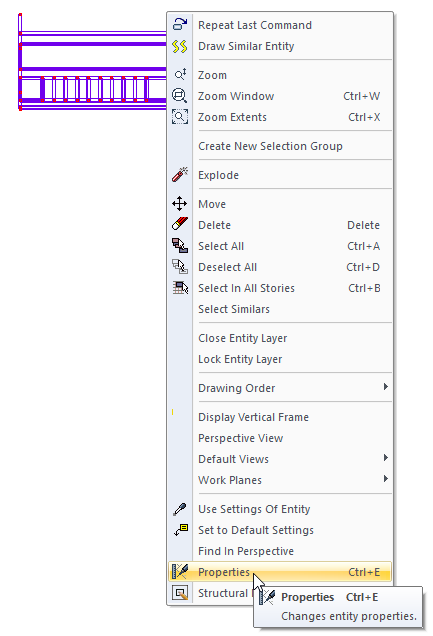
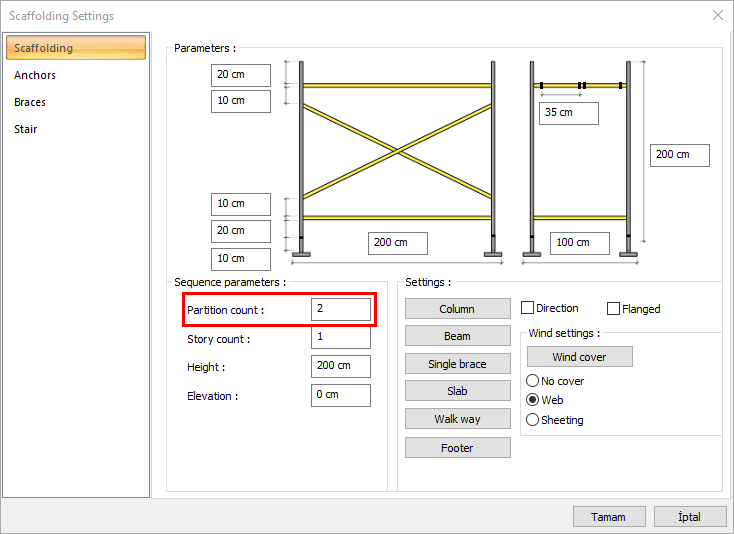
You can also access the scaffolding settings dialog by double-clicking on your scaffolding with the left mouse button.
Usage Steps
-
Select the scaffolding you will add and enter its settings.
-
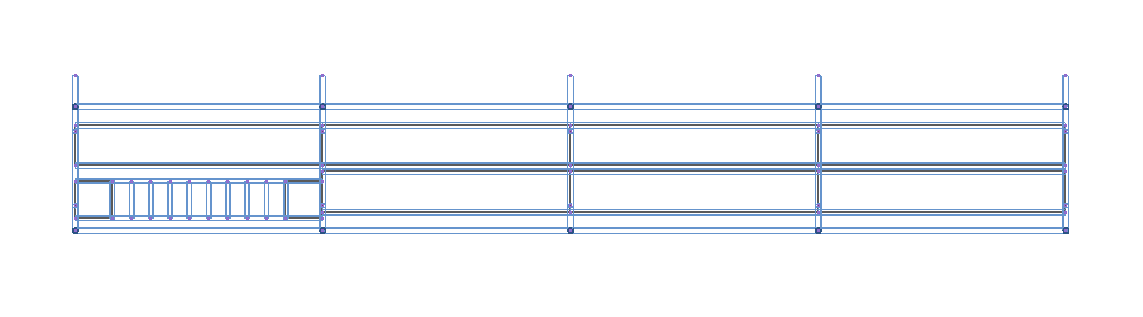
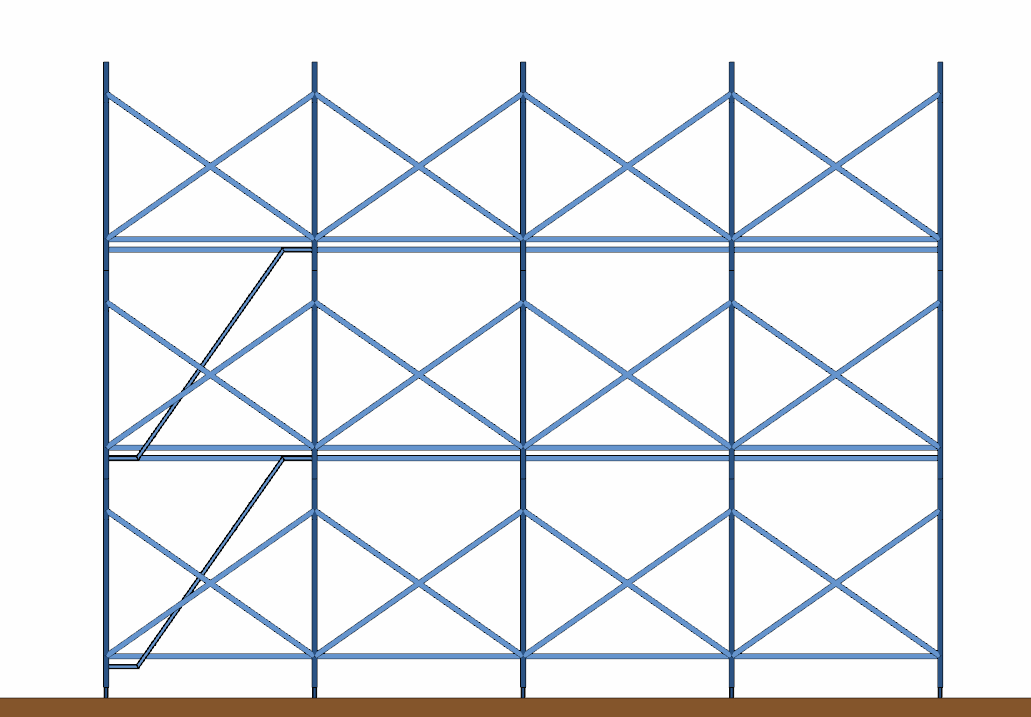
Increase the number of partitions in the scaffolding tab. For example, change the count of partitions from two to four.
-
Click the OK button to close the dialog.
-
Partitions will be added to your scaffolding.
-
You can delete existing partitions by reducing the count of partitions.
|
Before increasing the count of partitions |
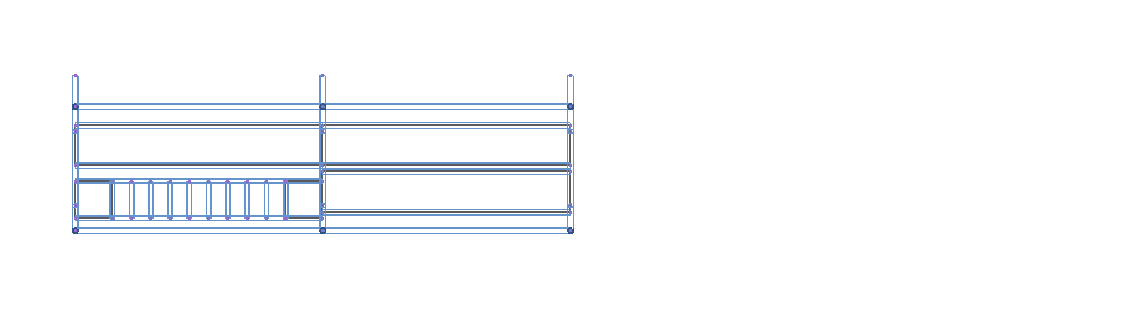
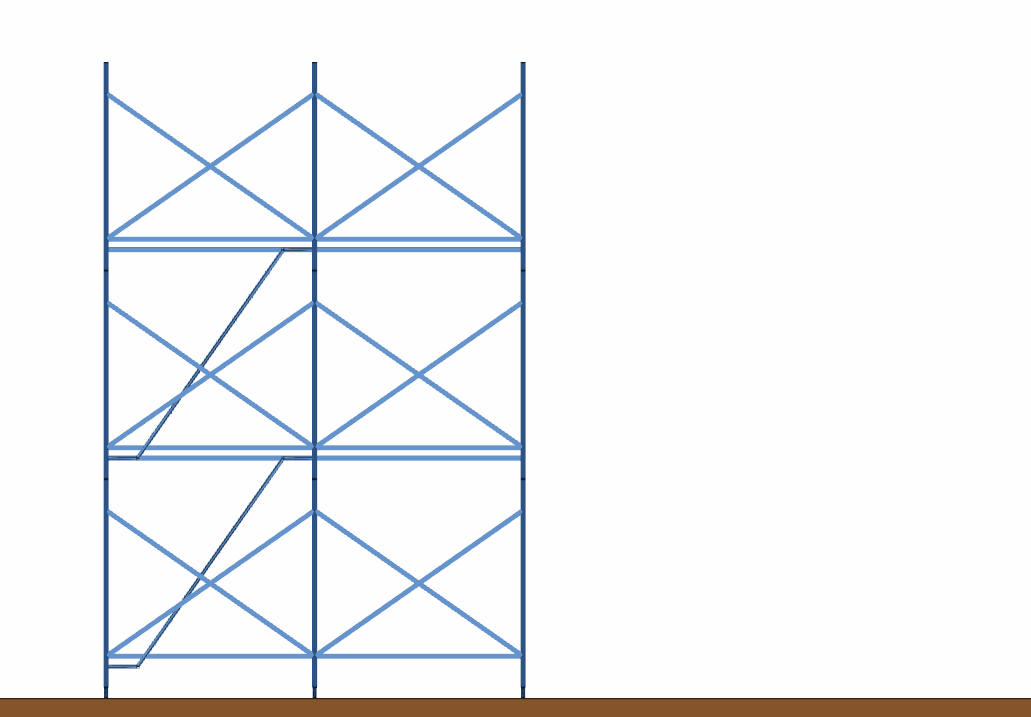
|
|
After increasing the count of partitions |
|
Next Topic