
In order to create a space in the safe, it is first necessary to define the space as a polygon.
-
Click the Jump to Support / Object Points row (to be able to follow the dimensions).
-
Click on all objects around the boundaries of the polygon you will draw. The corner points of these objects have become active to jump.
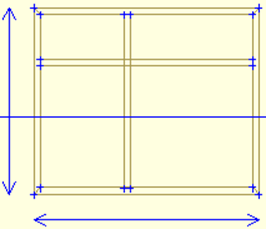
-
Click on the Line Drawing / Polygon and draw the space you will create.
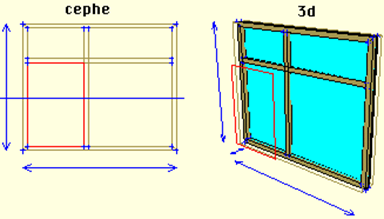
-
Click on the Modify / Transform / Polygon-> Space Transform line.
-
Click on the safe and then on the polygon.
-
A polygon-sized space has been opened inside your safe.
-
Click the Support / Delete Free Jump Points row to cancel the jump points.
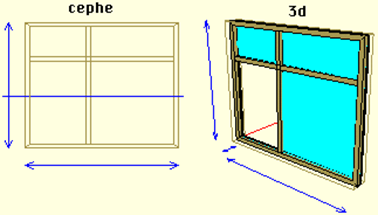
Next Topic