
With the Add Right button, more than one halls are created in connection with each other. While creating the first hall, the hall can be added, or it can be added by selecting the hall to be added next to it and entering its settings.
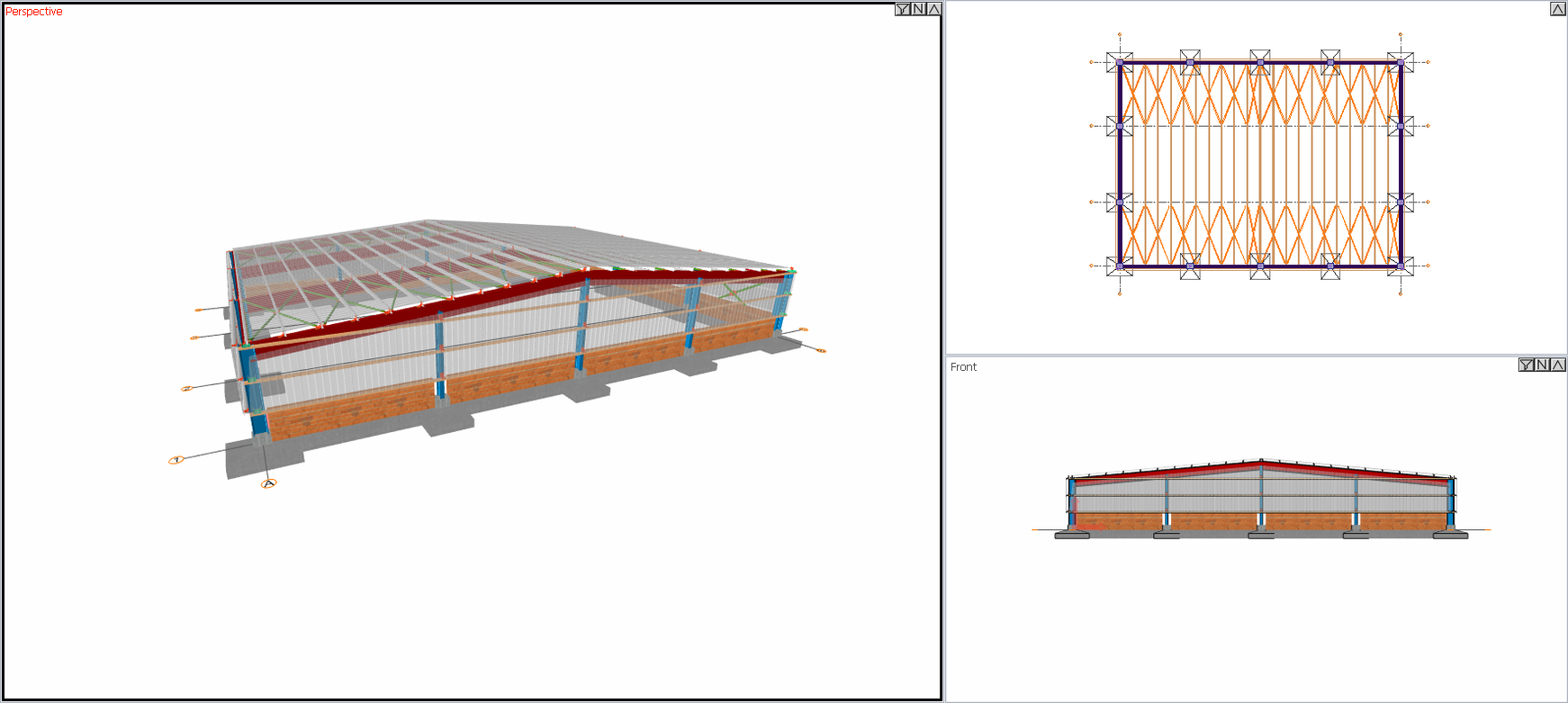
Location of the Add Right Button
Select the hall you want to add and click the right mouse button. Click the Properties line from the right click menu that opens.
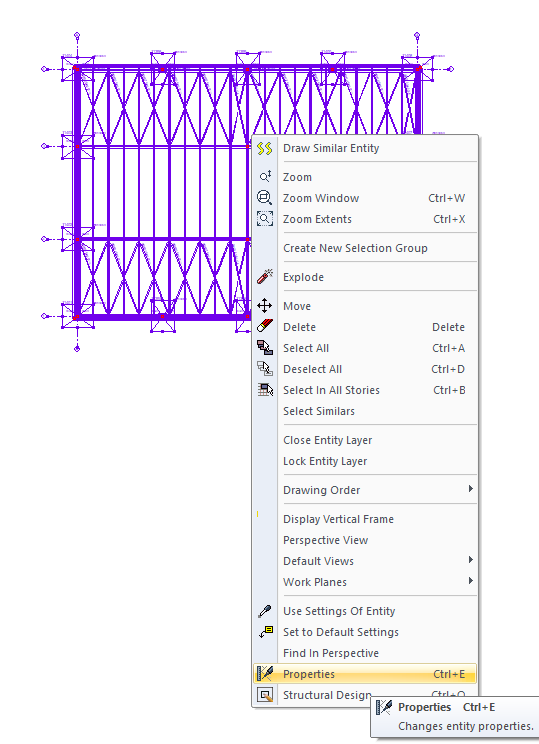
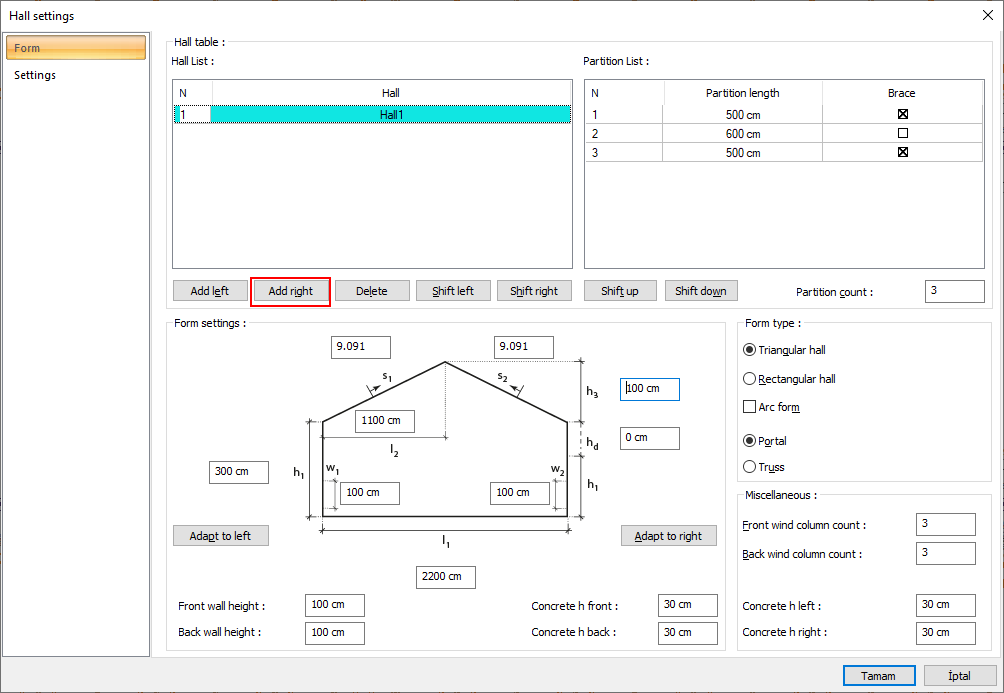
Usage Steps
-
Enter the hall settings.
-
Click the Add Right button
-
A new hall will be added at the end of the hall you enter into settings.
|
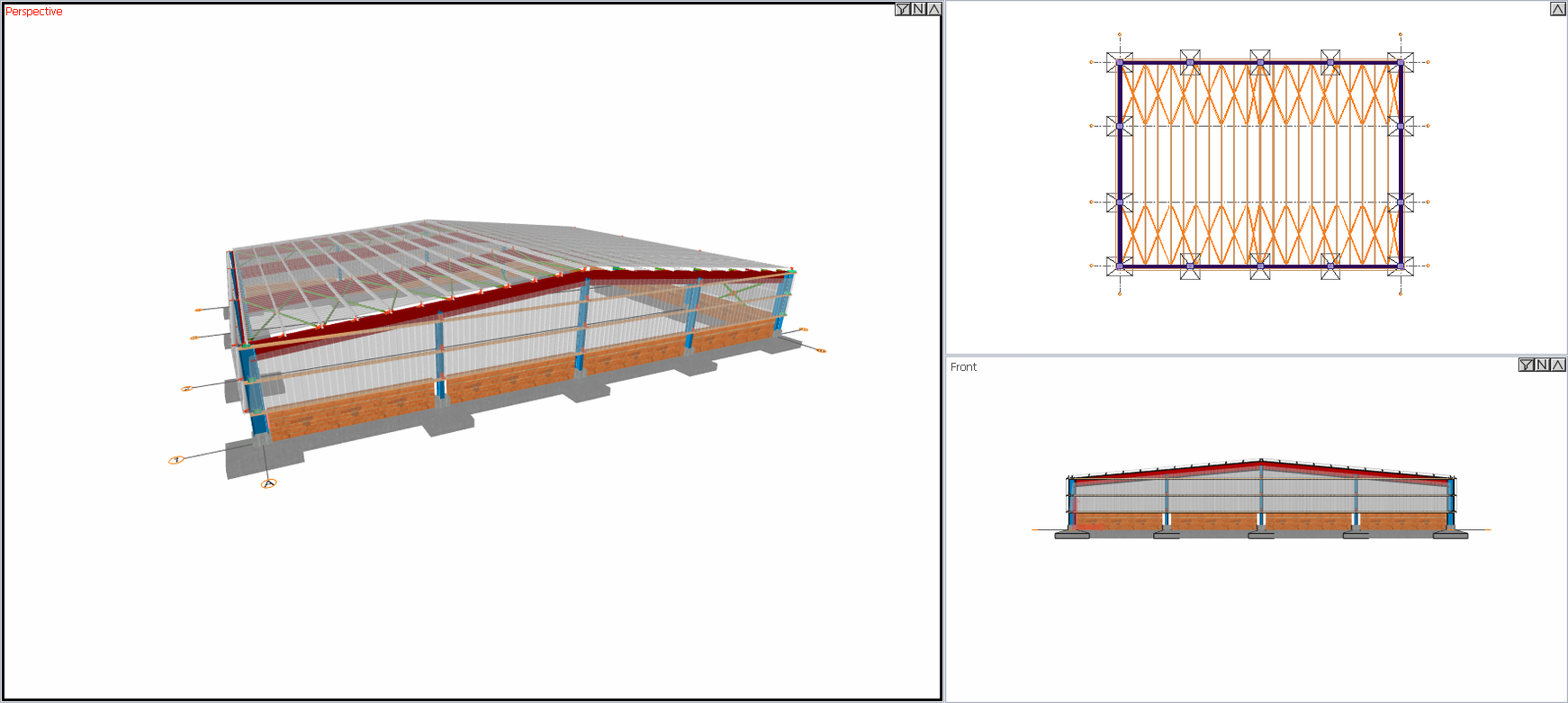
Before adding hall to the right |
|---|
|
|
After adding hall to the right |
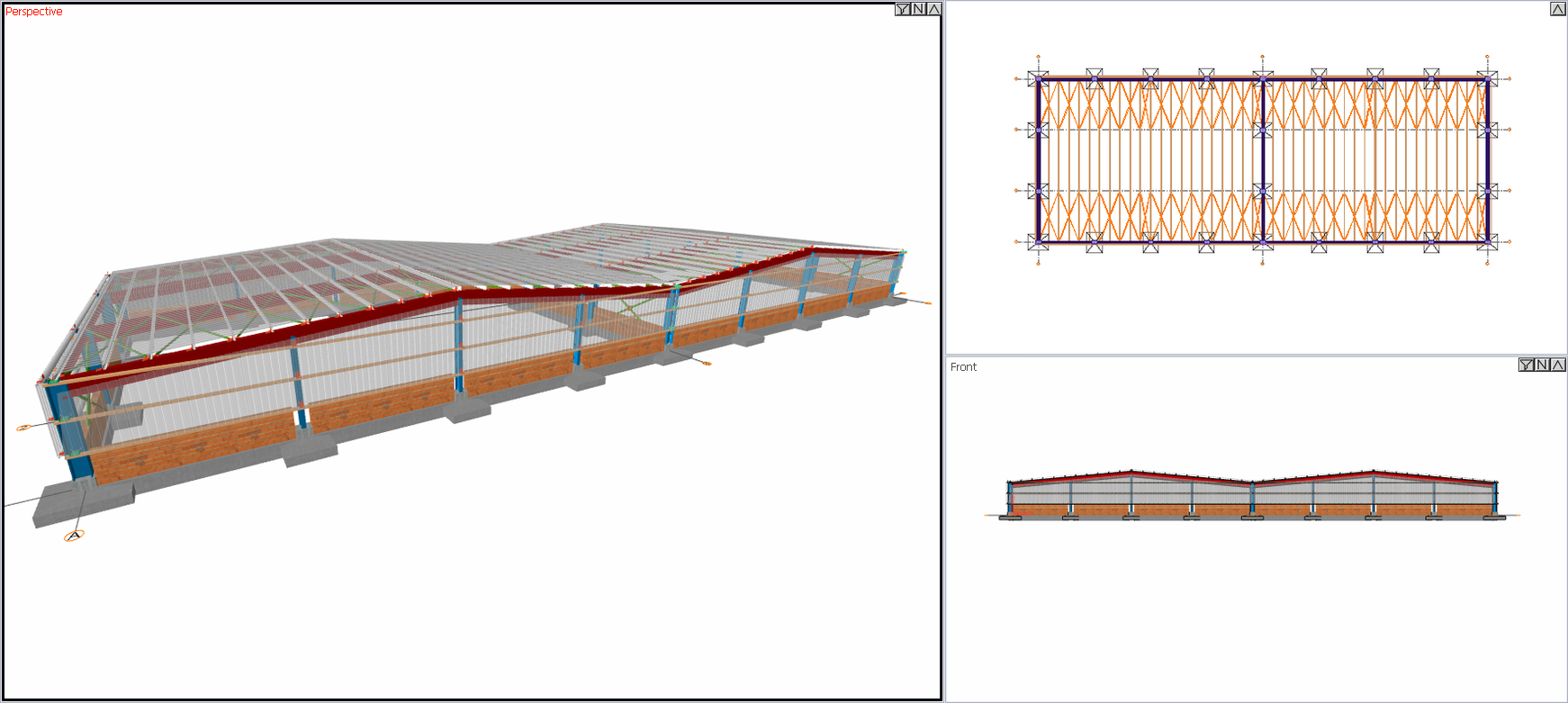
|
Note: Your system will be shifted based on the point you placed as you add a hall.
Next Topic