
Analysis settings that vary depending on the MOPC R-001 are explained in detail.
Download ideCAD for Seismic Code Design with MOPC R-001
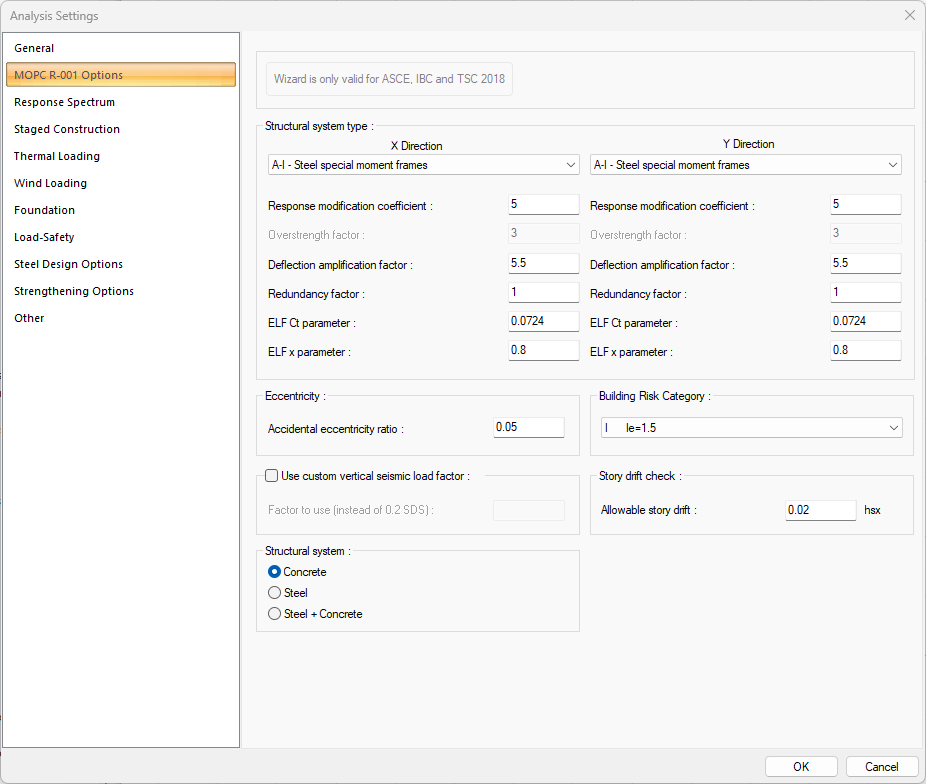
MOPC R-001 Options Tab
|
Specifications |
|---|
|
Structural system type 
The type of structural system for X and Y direction is selected in accordance with the design of the building. |
|
Response modification coefficient 
It is the response modification coefficient value. This row is automatically refreshed when the structural system type is chosen. |
|
Deflection amplification factor 
It is the deflection amplification factor value. This row is automatically refreshed when the structural system type is chosen. |
|
Redundancy factor 
It is the redundancy factor value. This row is automatically refreshed when the structural system type is chosen. |
|
ELF Ct parameter 
It is the ELF Ct parameter. This row is automatically refreshed when the structural system type is chosen. |
|
ELF x parameter 
It is the ELF x parameter. This row is automatically refreshed when the structural system type is chosen. |
|
Accidental eccentricity ratio 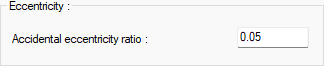
The eccentricity ratio to be used during the analysis is given as a percentage. |
|
Use custom vertical seismic load factor 
If checked, the custom vertical seismic load factor which entered in "factor to use (instead of 0.2 SDS)" line is used. |
|
Structural system 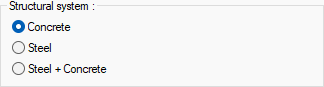
If the building block consists of only concrete elements, Concrete; if it consists of only steel elements, Steel; Steel + Concrete option is selected if it consists of concrete and steel elements. |
|
Building Risk Category 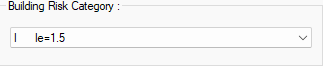
Building risk category value is selected from the list according to the purpose of use of the building. |
|
Story drift check 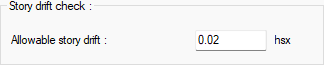
Allowable story drift value is entered. |
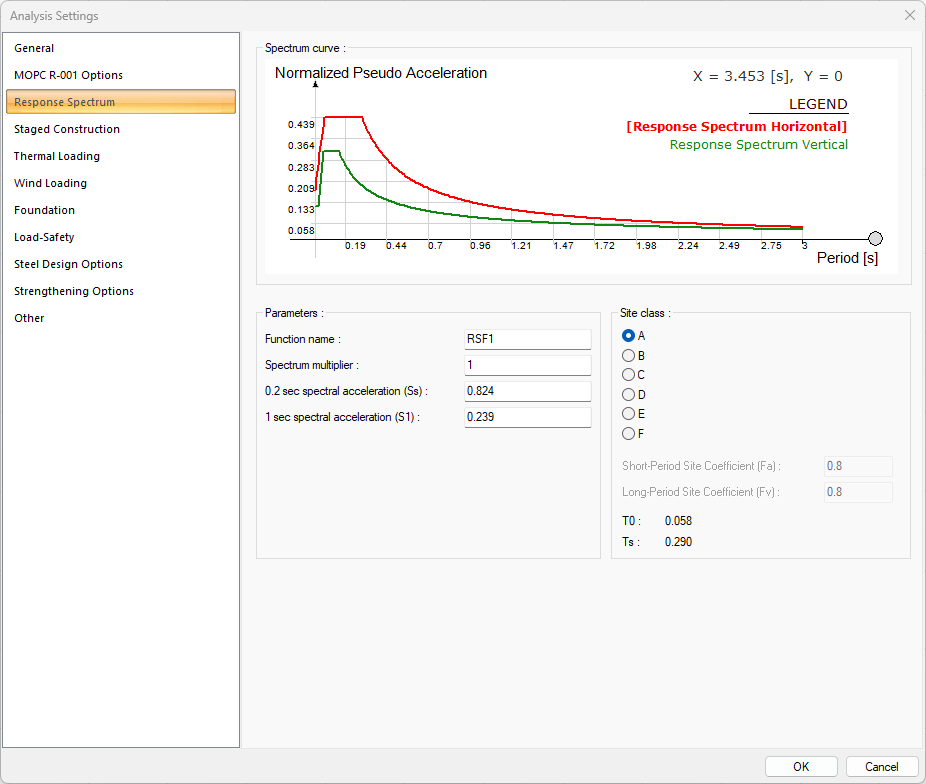
Response Spectrum Tab
|
Specifications |
|---|
|
Spectrum curve 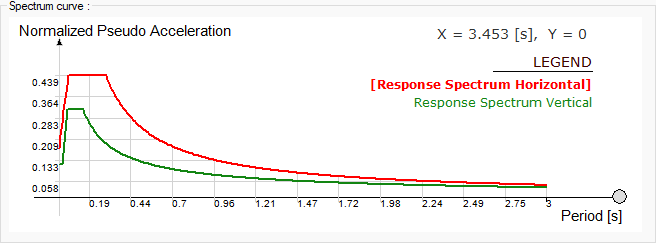
The spectrum curve resulting from the settings is shown. |
|
Function name 
The name of the spectrum function. |
|
Spectrum multiplier 
Factor of spectrum function. |
|
0.2 sec spectral acceleration (Ss) 
0.2 sec spectral acceleration of spectrum function. |
|
1 sec spectral acceleration (S1) 
1 sec spectral acceleration of spectrum function. |
|
Site class 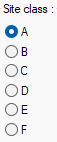
Site class is selected. |
|
Short-period site coefficient (Fa) 
Short-period site coefficient of spectrum function. |
|
Long-period site coefficient (Fv) 
Long-period site coefficient of spectrum function. |
|
T0/Ts 
Spectrum Characteristic Periods. |
Download ideCAD for MOPC R-001
Next Topic
Related Topics