
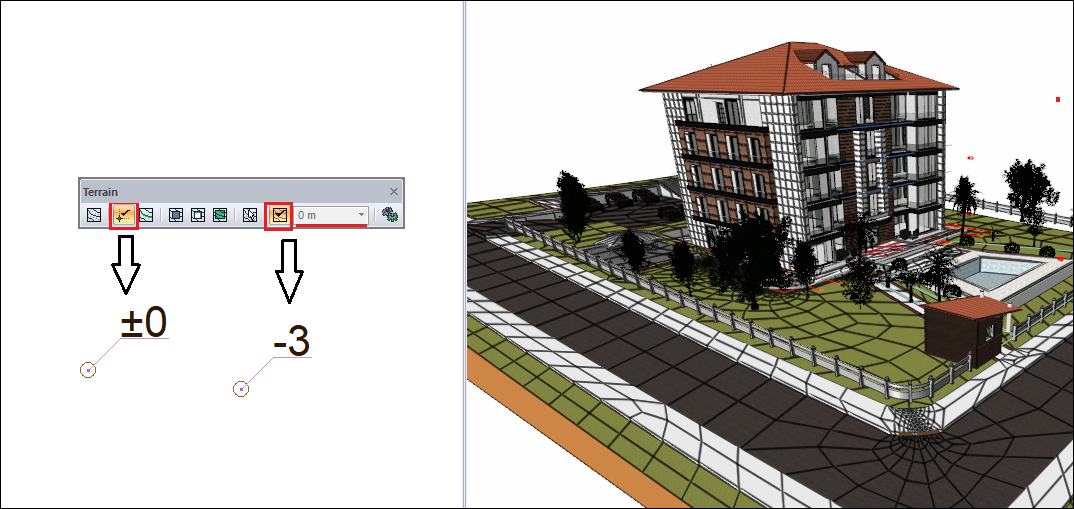
With the "Elevation point" command, an elevation point is create at the clicked point on the terrain by entering an elevation value in the elevation box on the terrain toolbar.
When defining a elevation point, if the "Get elevation from terrain" icon is active in the terrain toolbar, the elevation box becomes inactive. In this case, the approximate elevation of the terrain at the clicked point is taken, and a elevation point is created.
Next Topic