
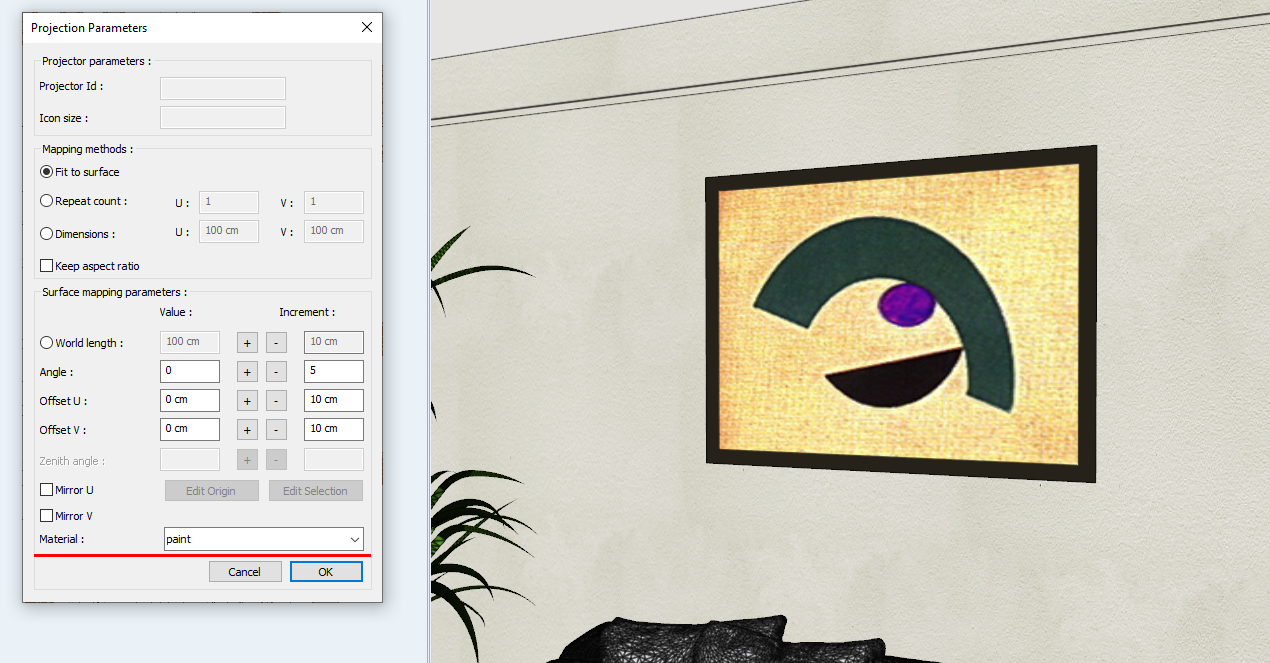
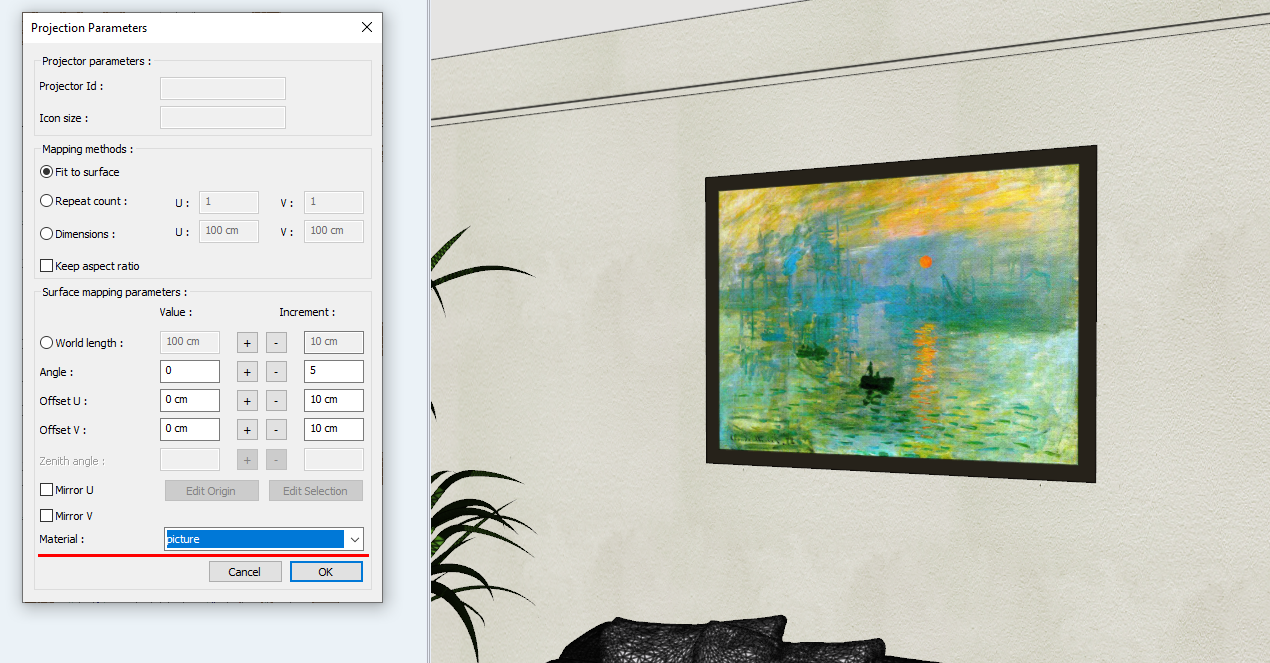
Object materials are changed with object settings dialogs and assign material commands. In addition, the material on the surface selected with the material setting of the Edit surface mapping command is replaced with a material in the material list. The change made is followed simultaneously on the model from the model.
If the planar texture mapper command has been used on the selected surface, the edit surface mapping command cannot be used.
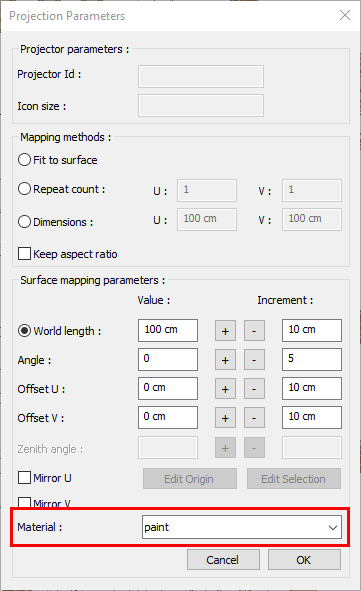
Location of Material Setting
You can access the material setting from the projection parameters dialog .
|
Before changing material |
|
|
After changing material |
|
Next Topic