
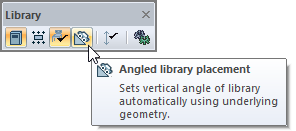
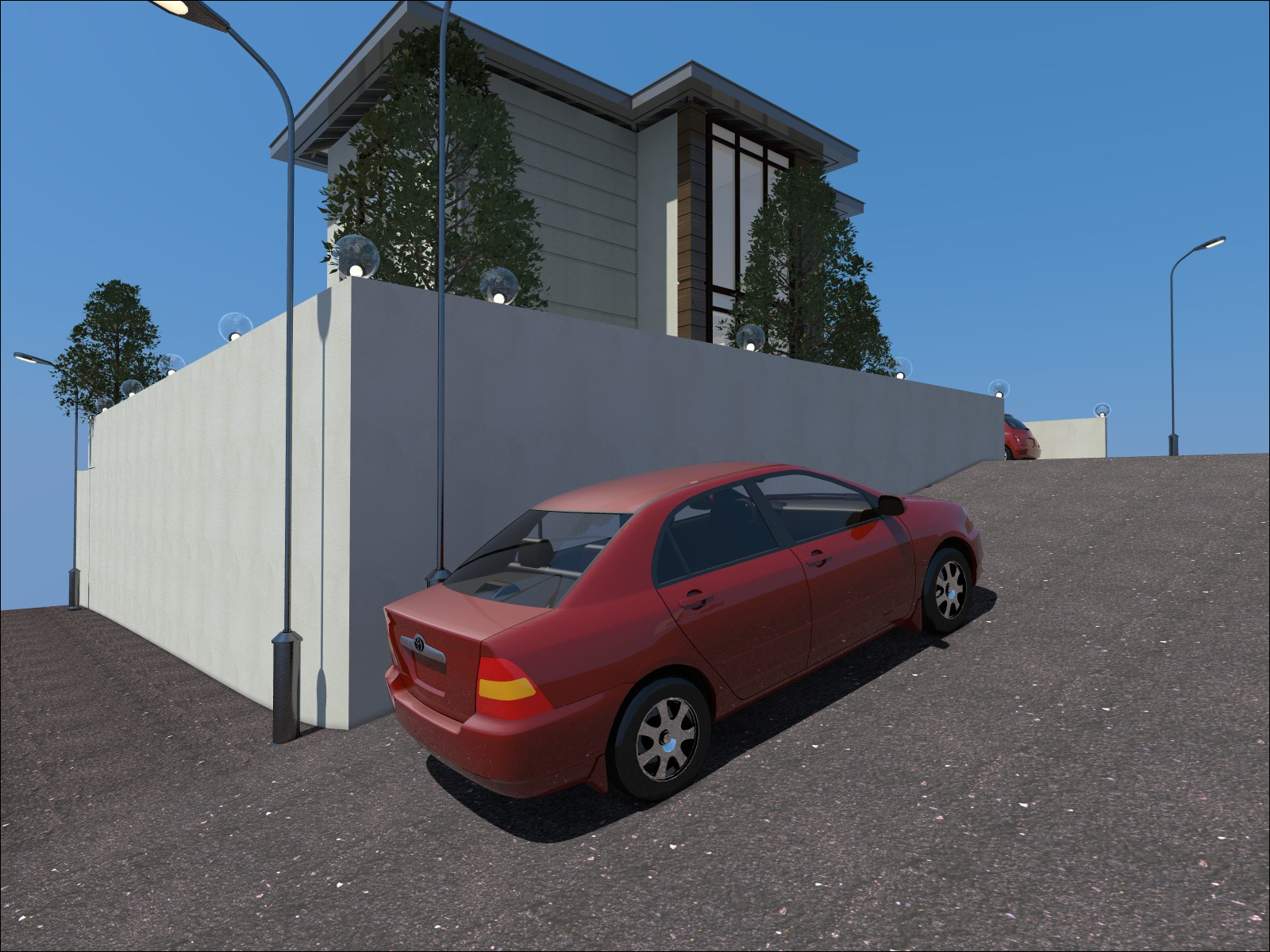
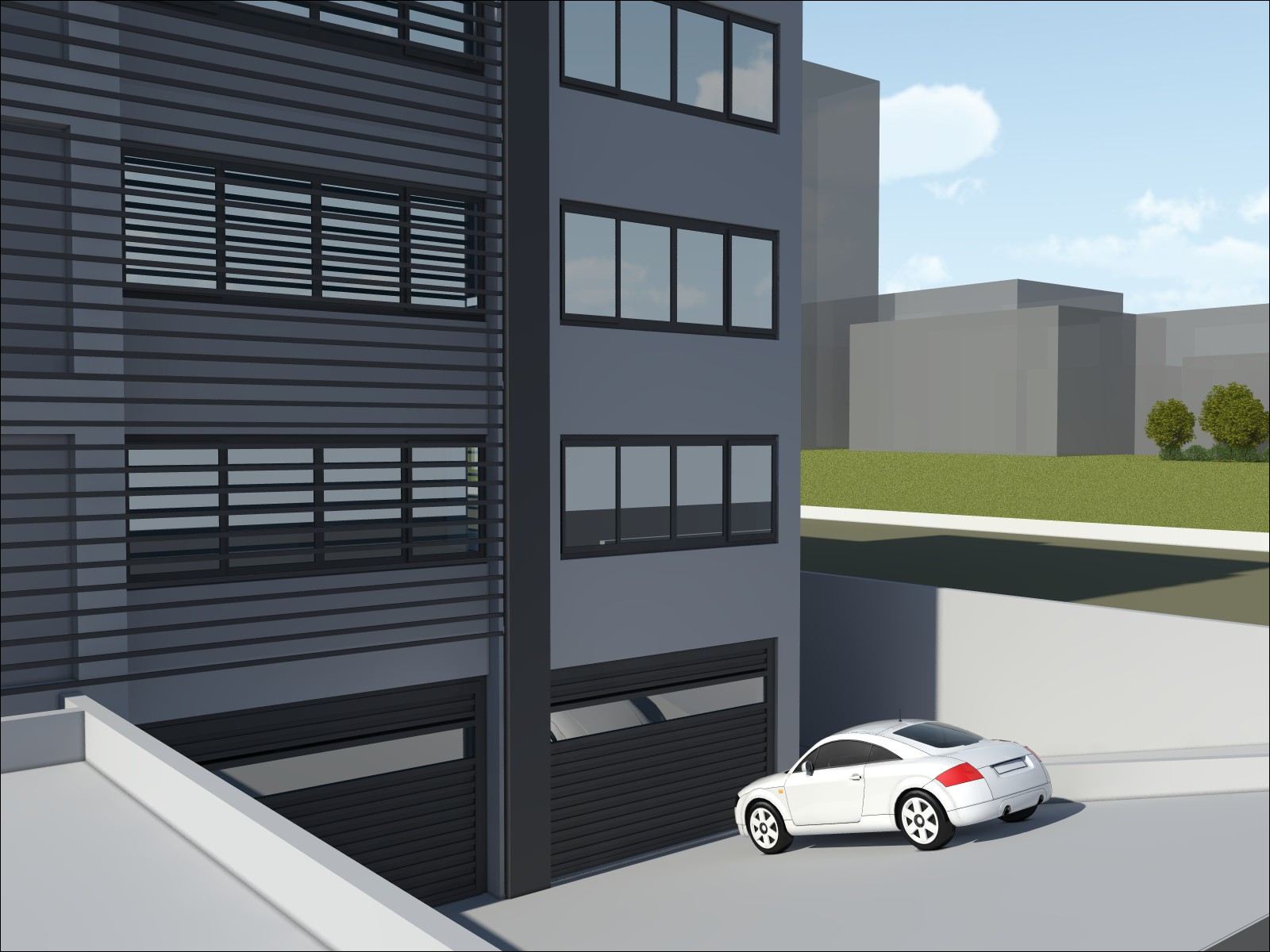
With the "Angled library placement" feature, library objects are placed in accordance with the slope of the surface.
-
Check the "Angled library placement" option from the library toolbar before placing the library.
-
Click on the surface where you want to place your library.
-
A preview of the library object will be created in accordance with the slope of the surface to be placed.
-
Place the library object by moving it to the desired location and clicking the left mouse button.
Next Topic