
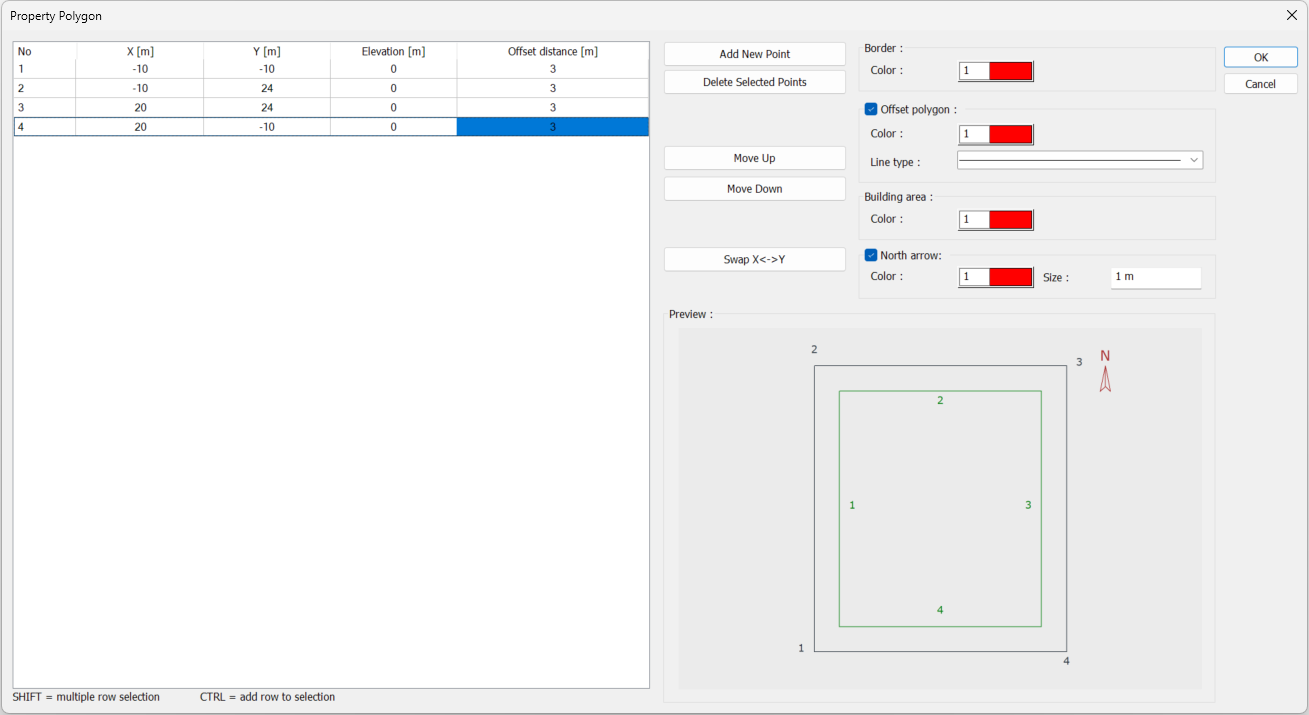
The settings for the property polygon are accessed from the Property Polygon dialog.
Location of Property Polygon Dialog
You can access the property polygon dialog by clicking the define property polygon command or by double-clicking on an existing property border.
Property Polygon Dialog
|
Specifications |
|---|
|
No 
The number of added points is shown. |
|
X 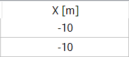
The Y value in the boundary survey is entered. |
|
Y 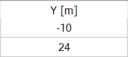
The X value in the boundary survey is entered. |
|
Elevation 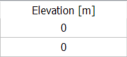
The elevation value of the relevant point is entered. |
|
Offset distance 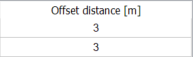
The setback distance value is entered for the relevant edge. The edge to which the number belongs is followed from the preview. |
|
Add new point 
Adds a new point to the list to define the property boundary. |
|
Delete selected points 
Deletes the selected point in the list. |
|
Move up 
Moves the selected point up one line in the list. |
|
Move down 
Moves the selected point down one line in the list. |
|
Swap X-Y 
Swaps the X - Y values in the list. |
|
Border 
The color of the property border line is selected. |
|
Offset polygon 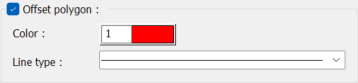
The setback distance is shown by selecting the option. The color and line type are selected. |
|
Building area 
Select the color of the building area line. |
|
North arrow 
By selecting the option, the north arrow is displayed. Its color is selected and a value is entered for its size. |
|
Preview 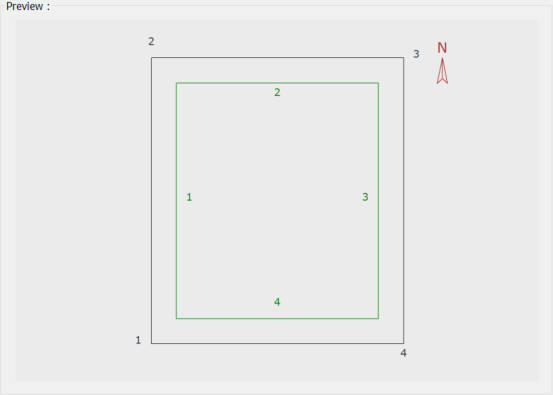
The preview of the created property border is shown. The editing made in the list is followed simultaneously. |
Next Topic