
By defining floor area polygons with the Define Floor Area command, the areas that will be used as a basis in calculating the ground area and floor areas in the project are created.
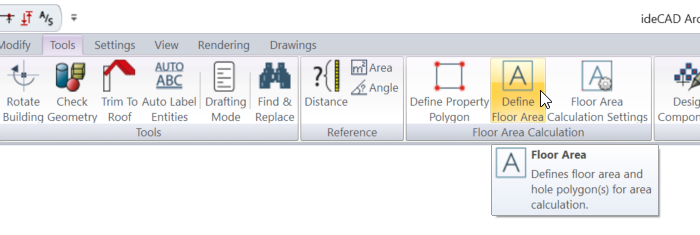
Location of Define Floor Area Command
You can access it under the Ribbon menu Tools tab Floor Area Calculation heading.
Usage Steps
-
Click the Define floor area icon.
-
The program goes into drafting mode. Your drawings in plan mode become dull.
-
Create the enclosed area(s) to be used in the calculation of ground area and floor areas in the project.
-
Create your first point for the enclosed area by clicking the left mouse button. This is the starting point of the floor area polygon.
-
Floor area polygon works like the path command.
-
Drag the mouse. The preview of your polygon will change depending on your mouse movement.
-
Path segments toolbar will open. This toolbar contains buttons for creating straight, arc and curved paths.
-
Click the relevant button according to the shape you will draw. You can continue with a straight line.
-
You can draw a straight or vertical edge by pressing the Shift key.
-
Determine the second point of the floor area polygon by left clicking. You can use your drawings in plan mode as a base.
-
If you want, you can create other points of your polygon by entering angle and length values in the coordinate box.
-
Create your closed area by entering your other points.
-
After you create your first closed area, define the areas you do not want to be included in the calculation within the areas you created.
-
Double-click on the area you do not want to include in the calculation to adjust its settings.
-
The preview calculation on the screen will change with each polygon you enter. Calculations and checks will be made based on the property polygon you enter, ground area ratio, total usable area ratio, displayed on the screen.
|
Usage step |
|---|
|
Determining the first point for the closed area 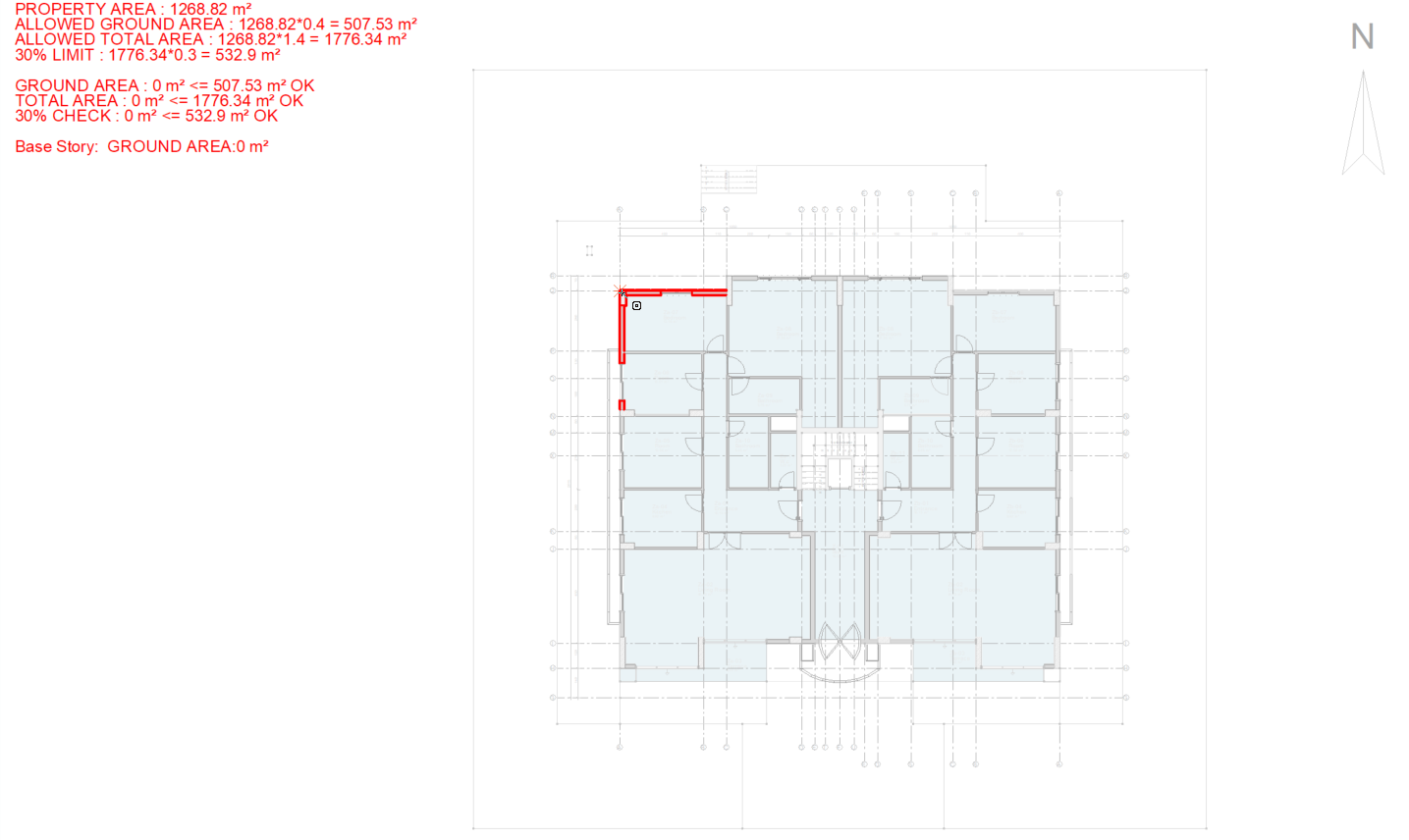
|
|
Creating the preview of the floor area polygon 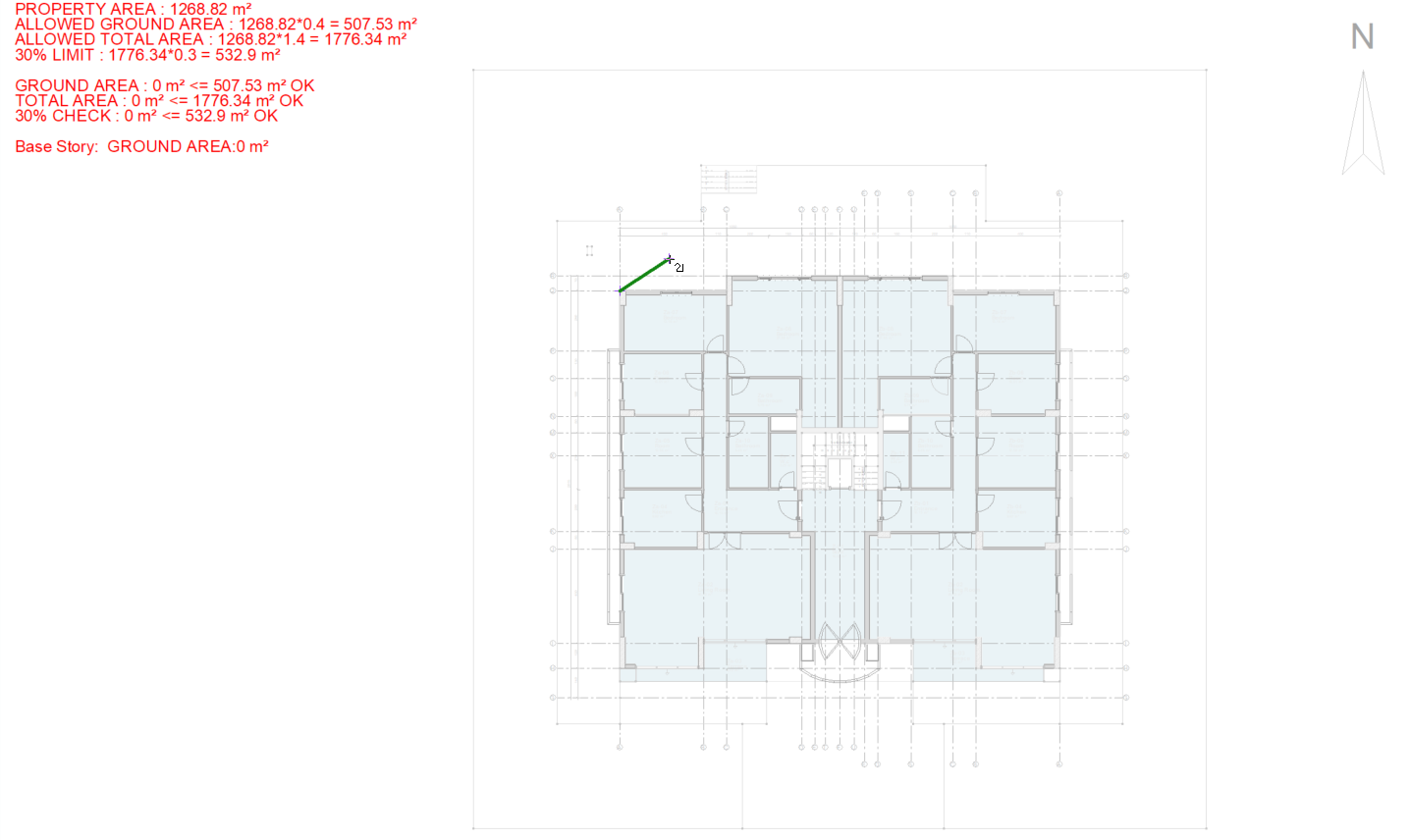
|
|
Determining the second point for the closed area 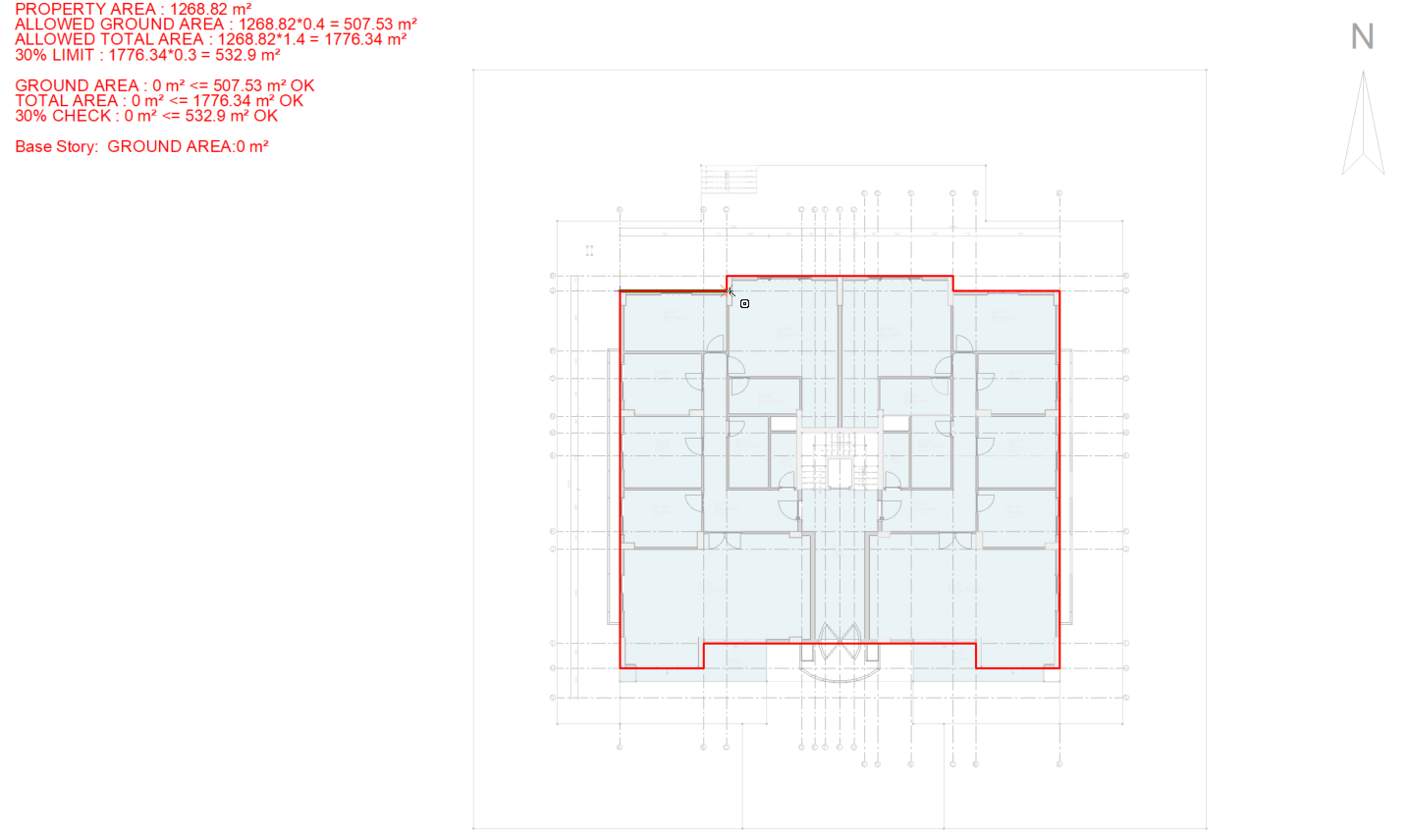
|
|
Completion of floor area 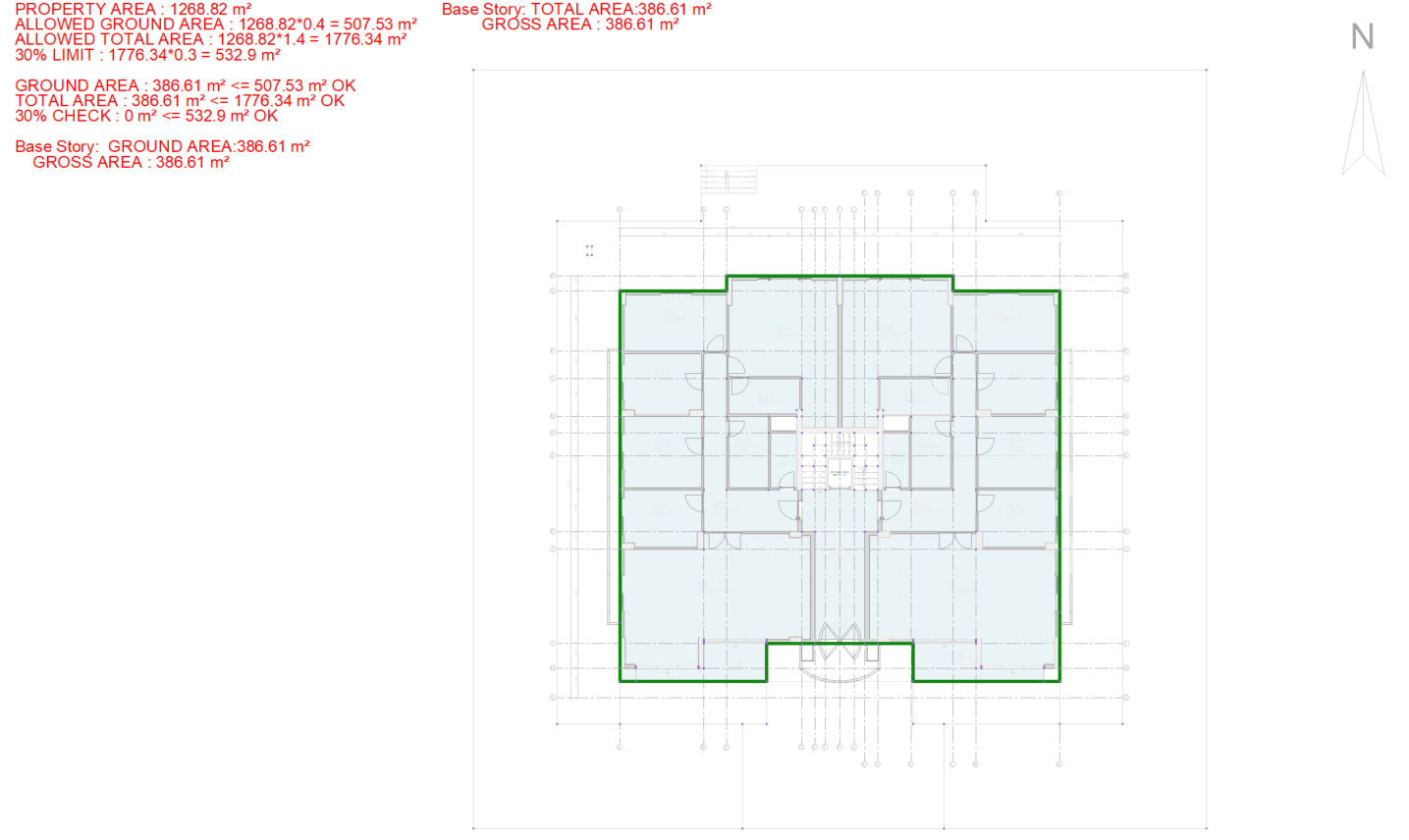
|
|
Defining areas that will not be included in the calculation 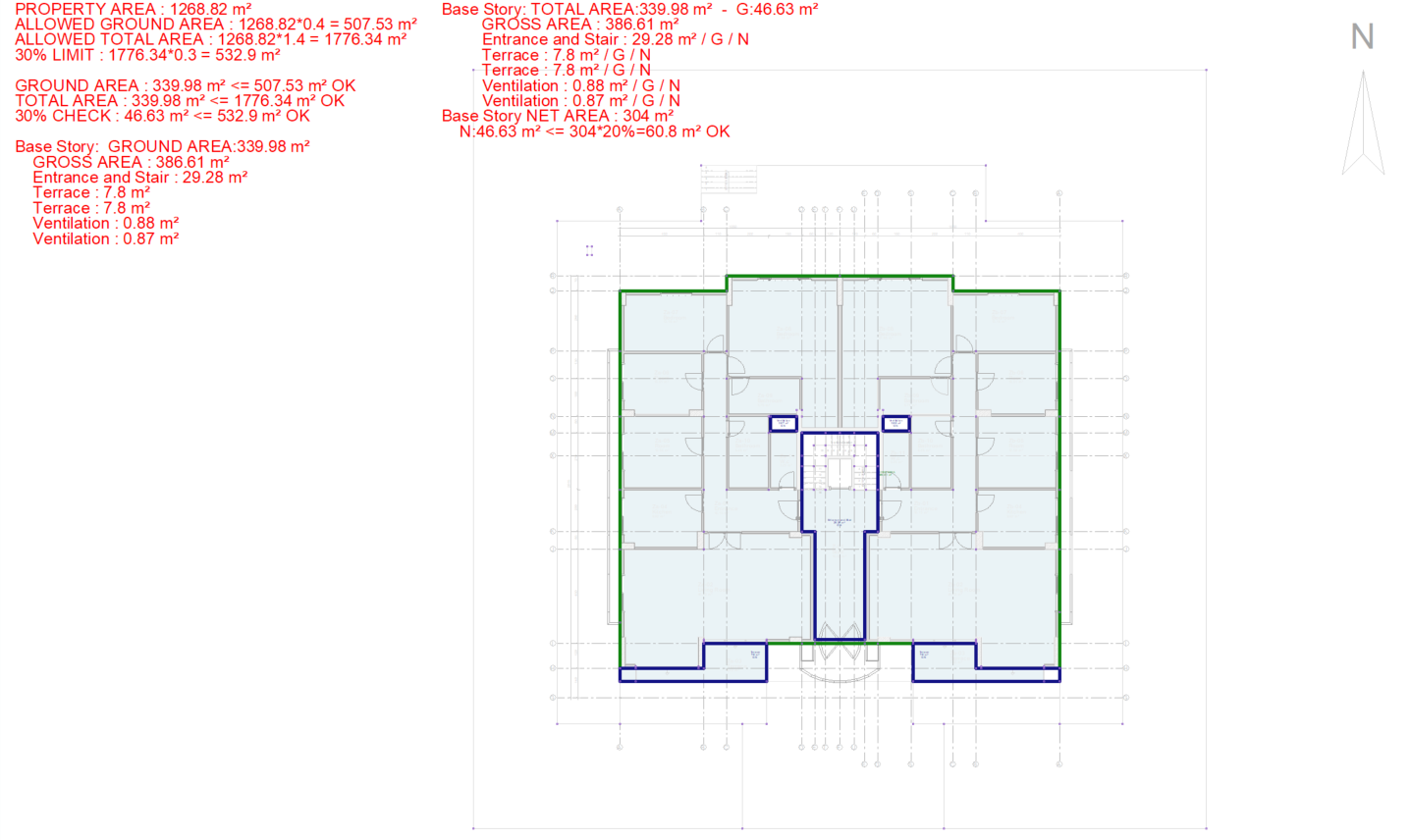
|
|
Example of setting for the entrance and stair areas that will not be included in the calculation 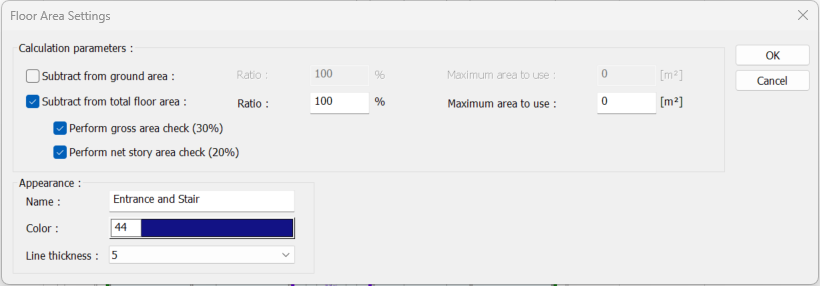
|
|
Calculation made according to the entered floor area polygons and settings 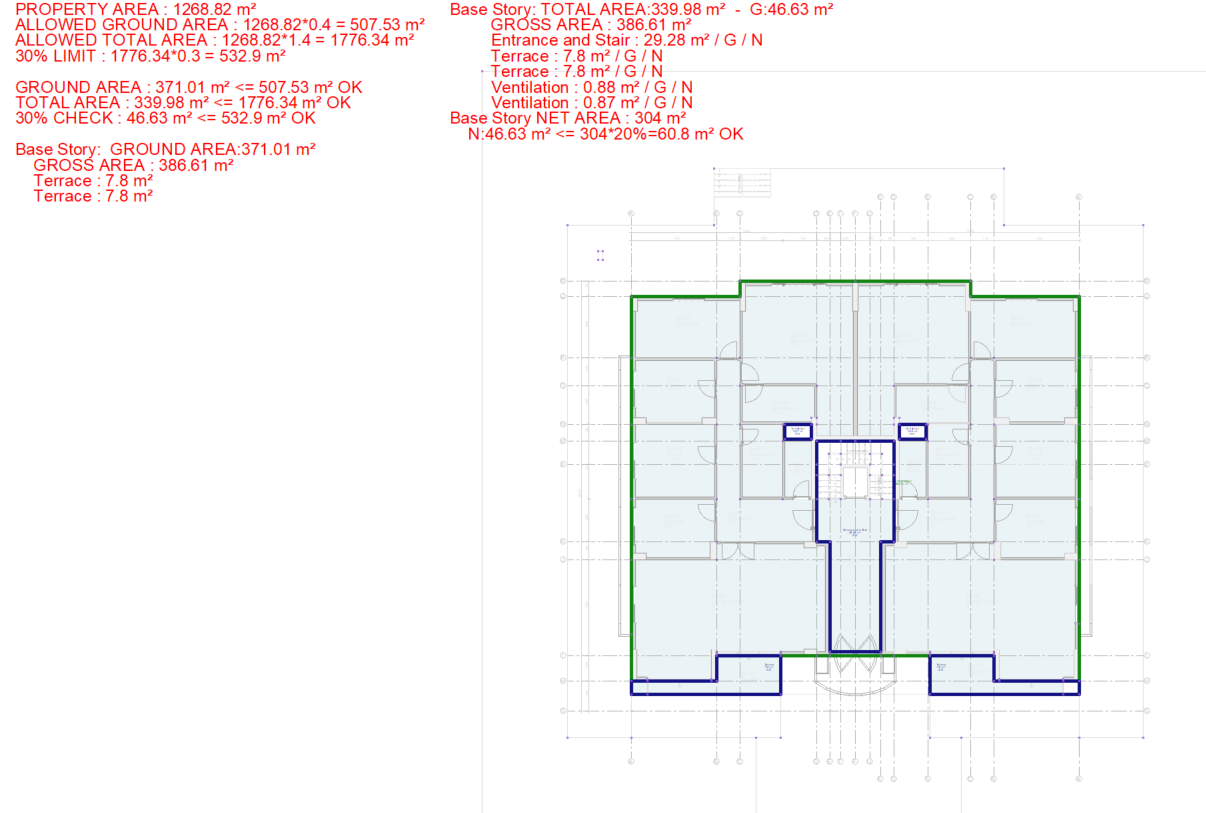
|
Next Topic