
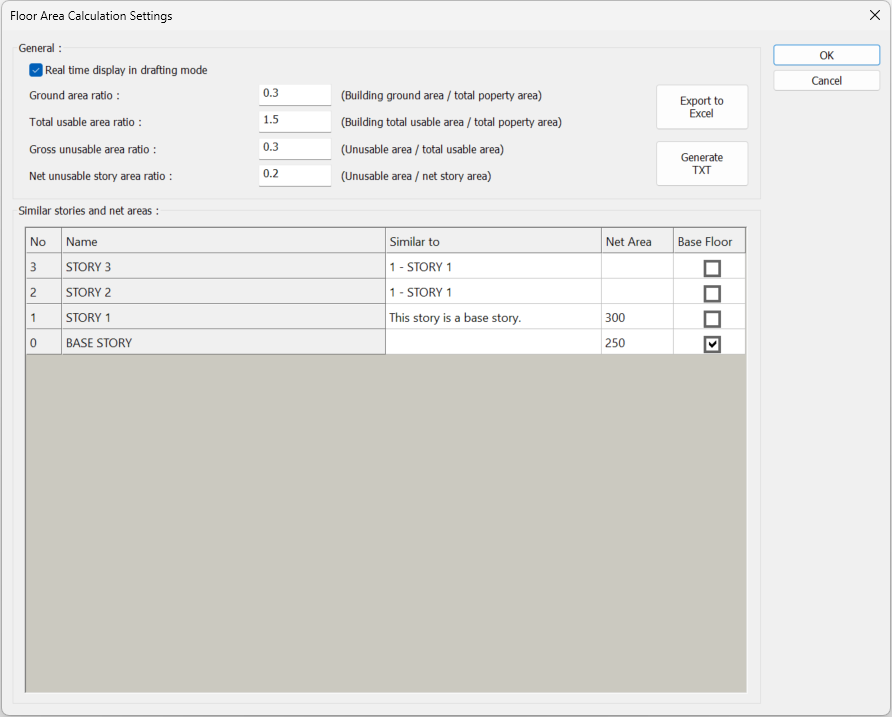
Parameters for floor area and floor area calculations are located in the Floor Area Calculation Settings dialog.
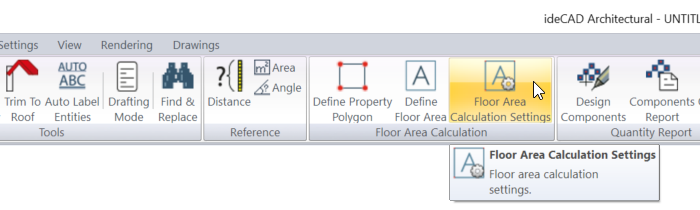
Location of Floor Area Calculation Settings Dialog
You can access it under the Ribbon menu Tools tab Floor Area Calculation heading.
Floor Area Calculation Settings Dialog
|
Specifications |
|---|
|
Real time display in drafting mode 
By selecting the option, the calculations and control of the floor area and floor area are shown simultaneously in drafting mode. |
|
Ground area ratio 
The ground area ratio value in the zoning status document is entered. |
|
Total usable area ratio 
The total usable area ratio value in the zoning status document is entered. |
|
Gross unusable area rate 
A percentage value is entered for the gross unusable area control. |
|
Net unusable story area ratio 
If the option is selected, the area of the selected floor area polygon is included in the control based on net unusable story area. |
|
No - Name 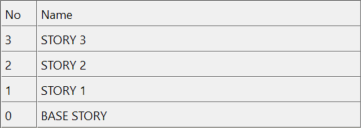
The stories in the project are listed. |
|
Similar to 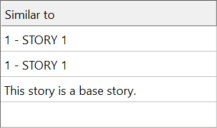
A similar story is selected with the relevant story. There is no need to define the floor area again on those stories. |
|
Net area 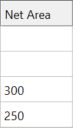
The net area value of the story is entered. The entered value is the area based on which the control is based on the net area of the story. |
|
Base floor 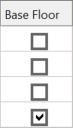
The story/stories to be used as a base in the ground area are marked. |
|
Export to Excel 
The ground area and floor area calculations and controls are recorded in Excel format. |
|
Generate TXT 
The ground area and floor area calculations and controls are saved in txt format. |
Next Topic